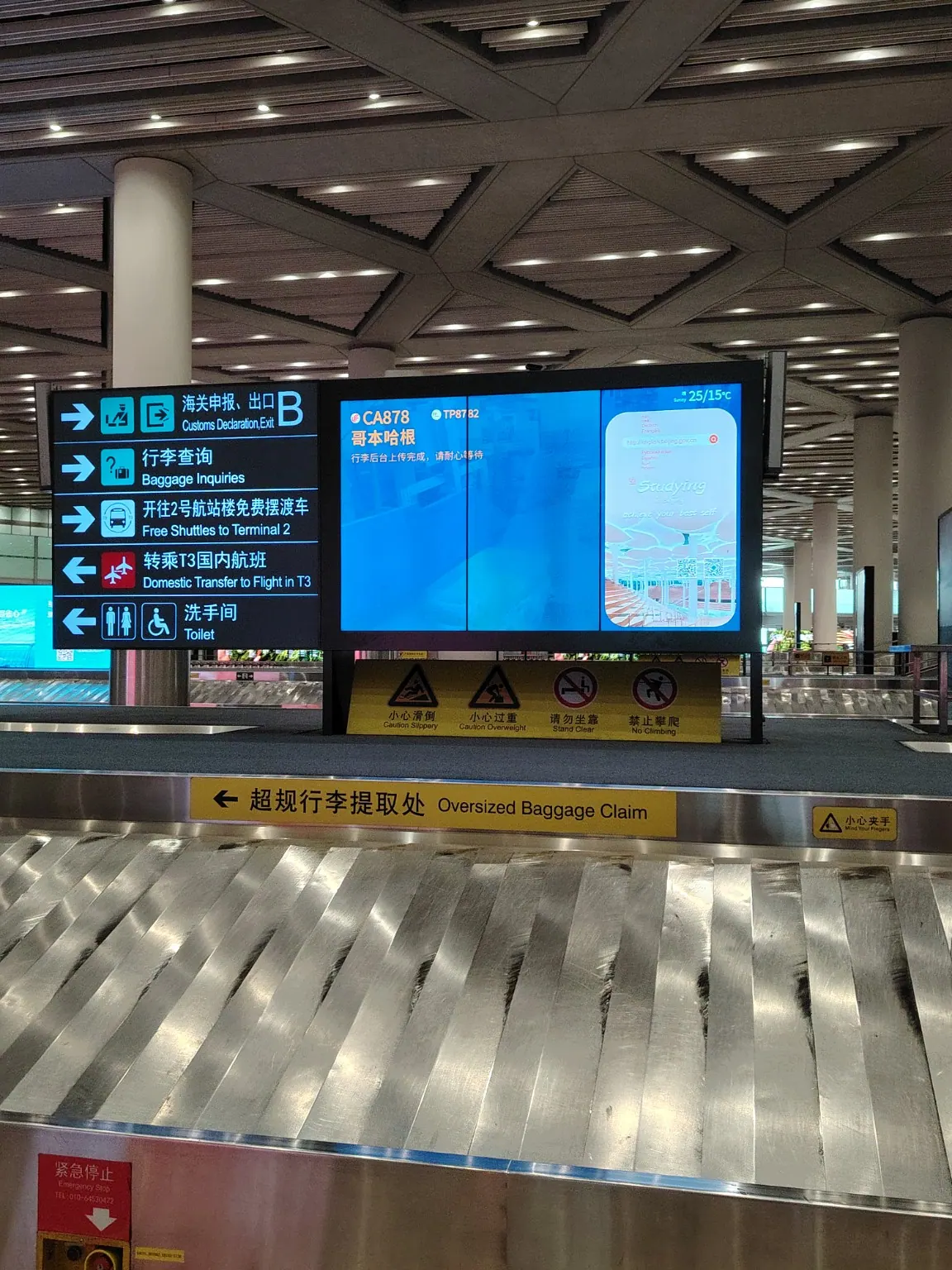
Photo 1 / 11
Collect your baggage
After baggage claim, follow the signs for Customs Declaration / Exit B. This is the starting point shown in the photo.
A visual route from the Terminal 3 baggage-claim area to the DiDi ride-hailing pickup area (Zone H), using 11 on-location photos.
This photo route documents one journey through Beijing Capital International Airport Terminal 3. Your arrival exit and the designated ride-hailing pickup zone may differ. Follow current airport E-Hailing / 网约车 signs and confirm the exact pickup point shown in your DiDi app.
After baggage claim, follow the signs for Customs Declaration / Exit B. This is the starting point shown in the photo.
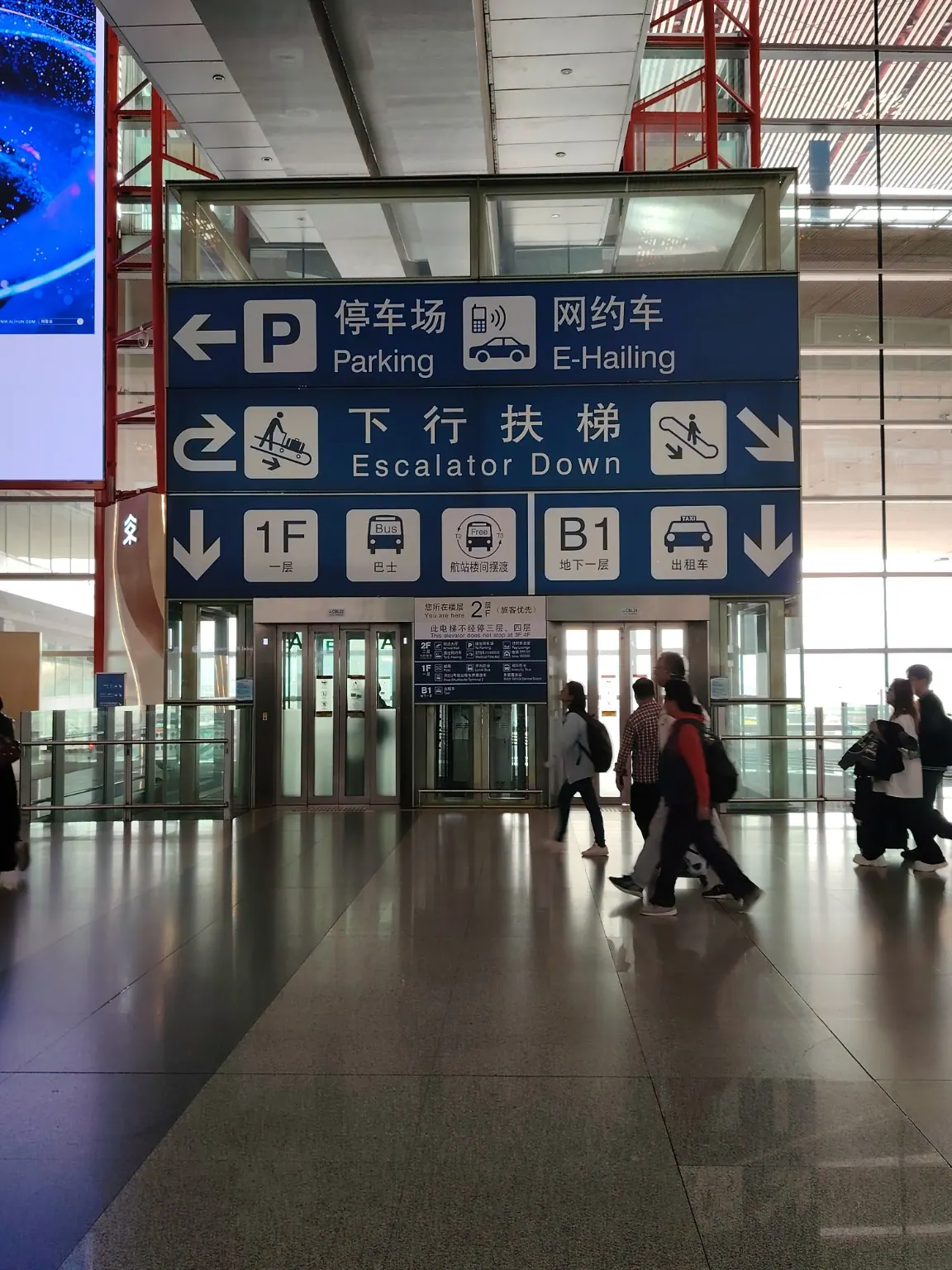
In the arrivals area, follow signs marked 网约车 (E-Hailing) and 停车场 (Parking).
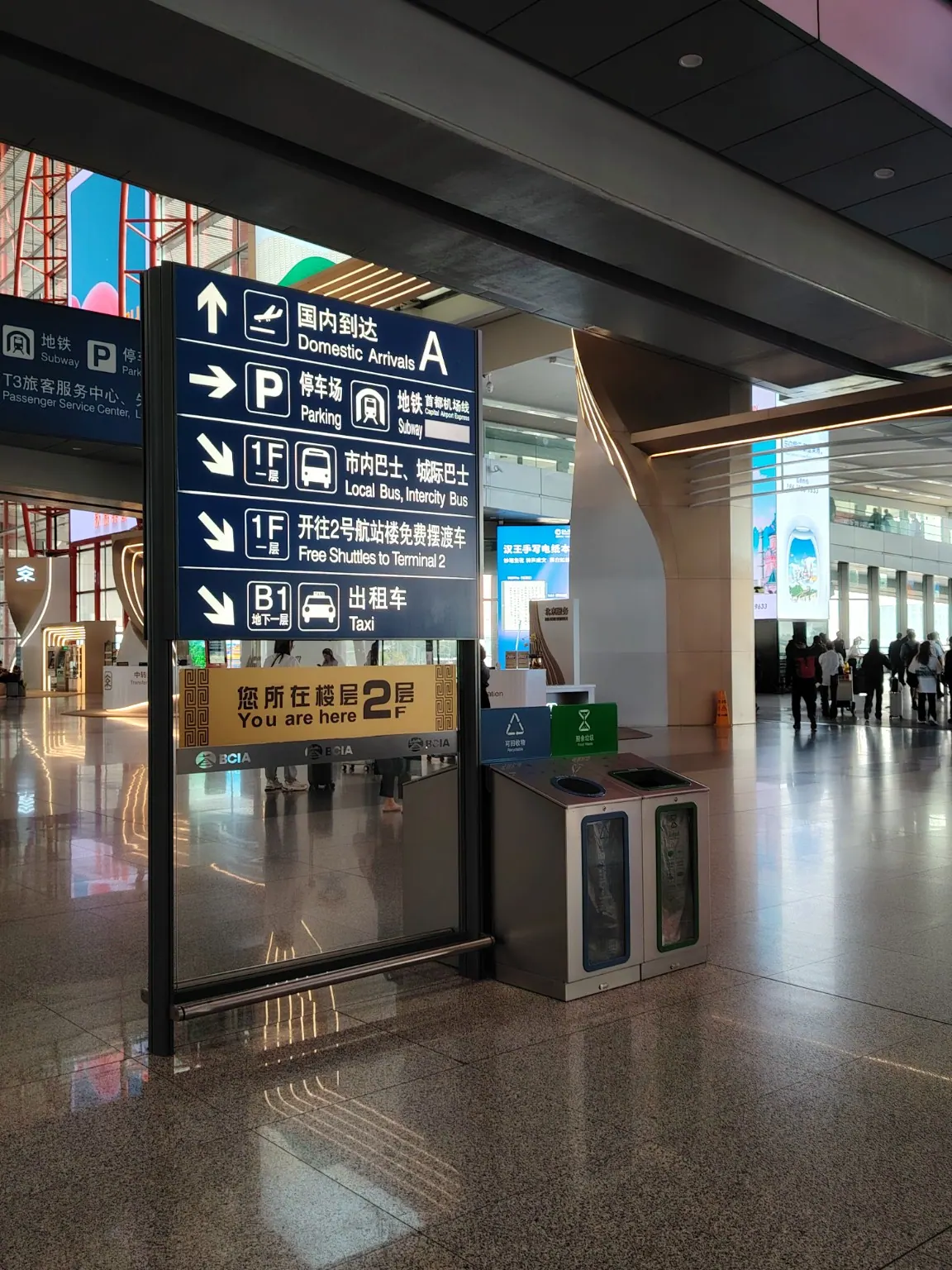
The photo shows a Level 2 sign directing travelers toward parking and onward transport.
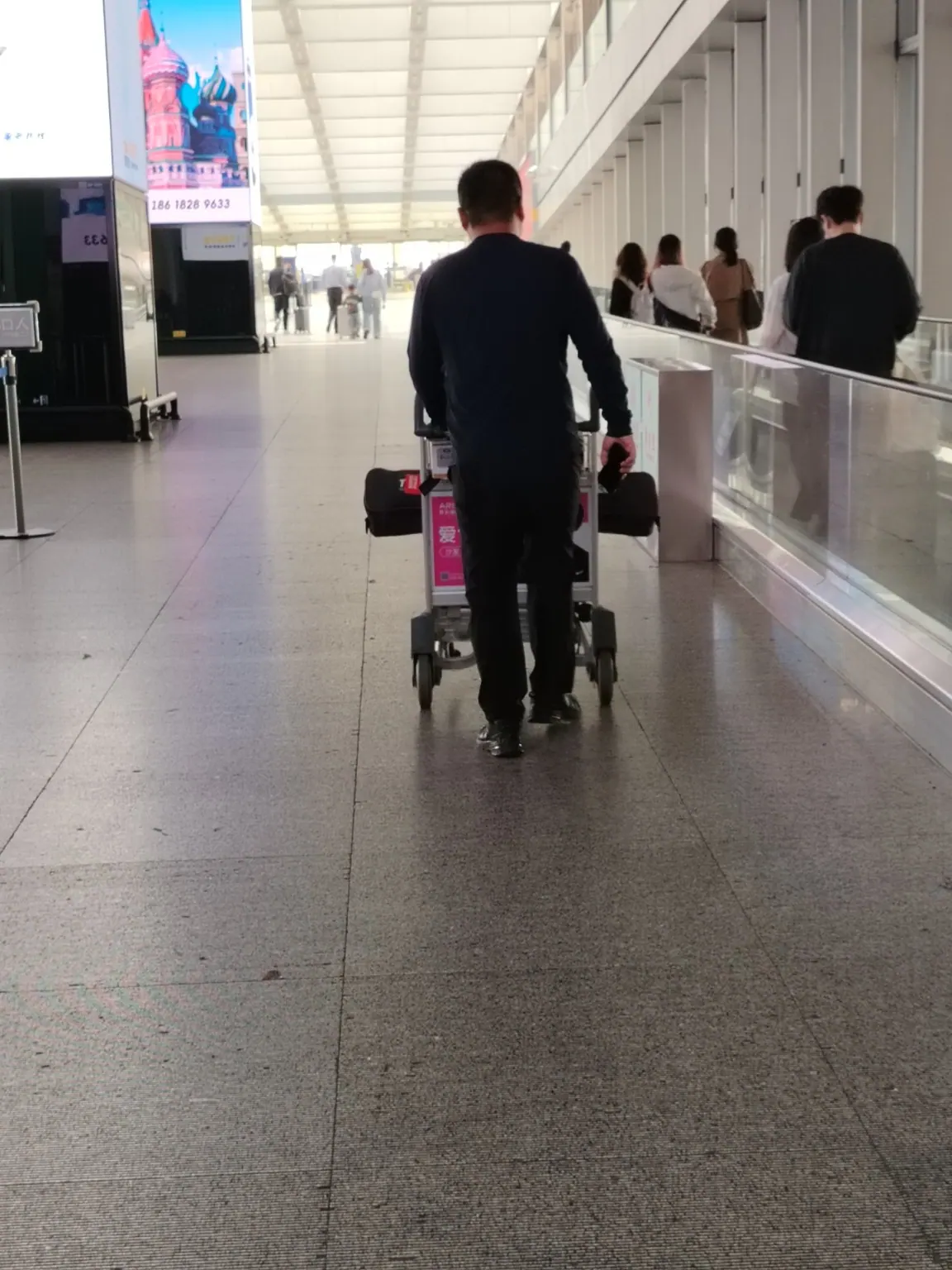
Follow the passenger corridor and keep looking for the E-Hailing signs.
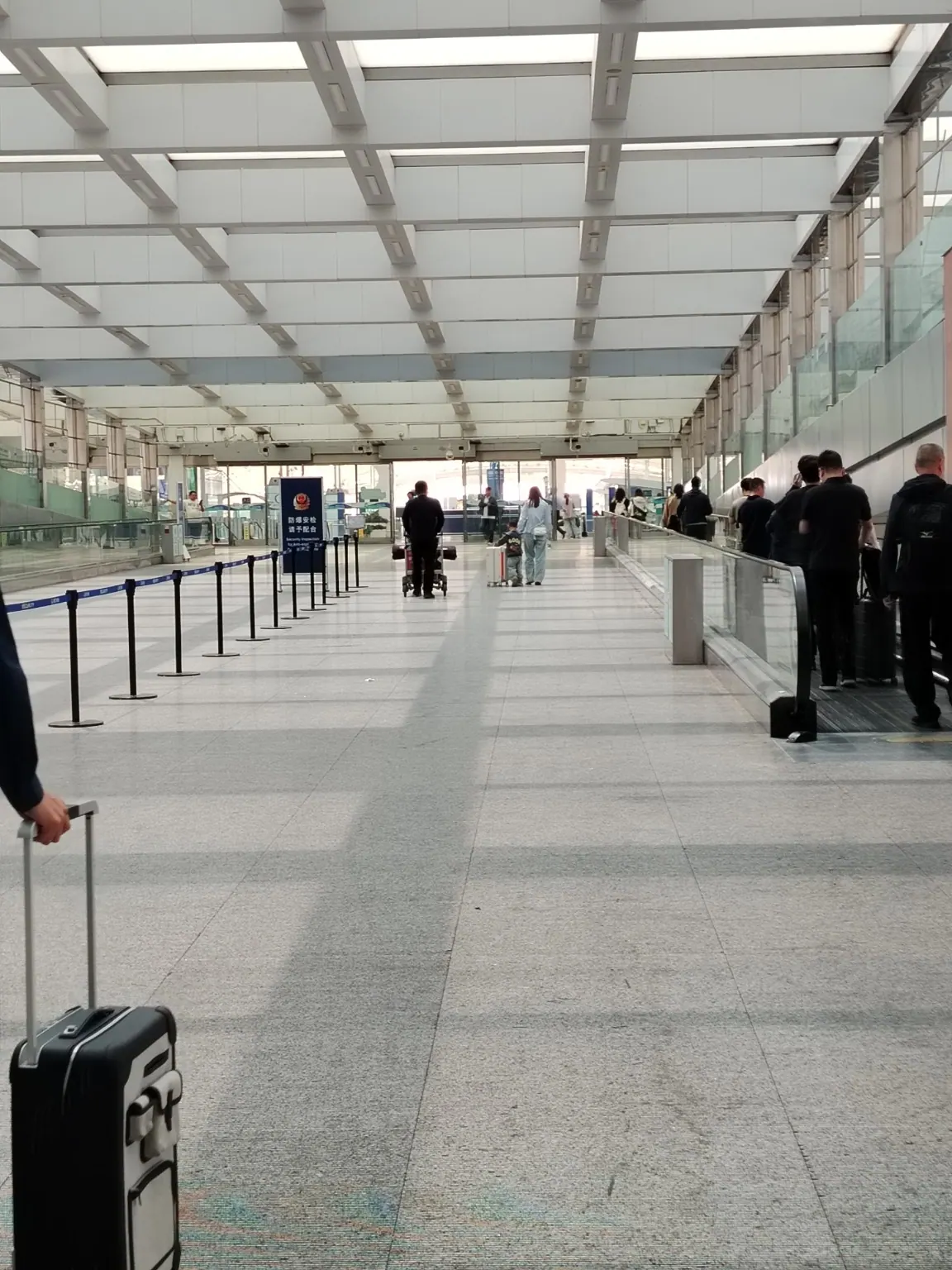
Walk toward the end of the corridor. Do not enter restricted or staff-only lanes.
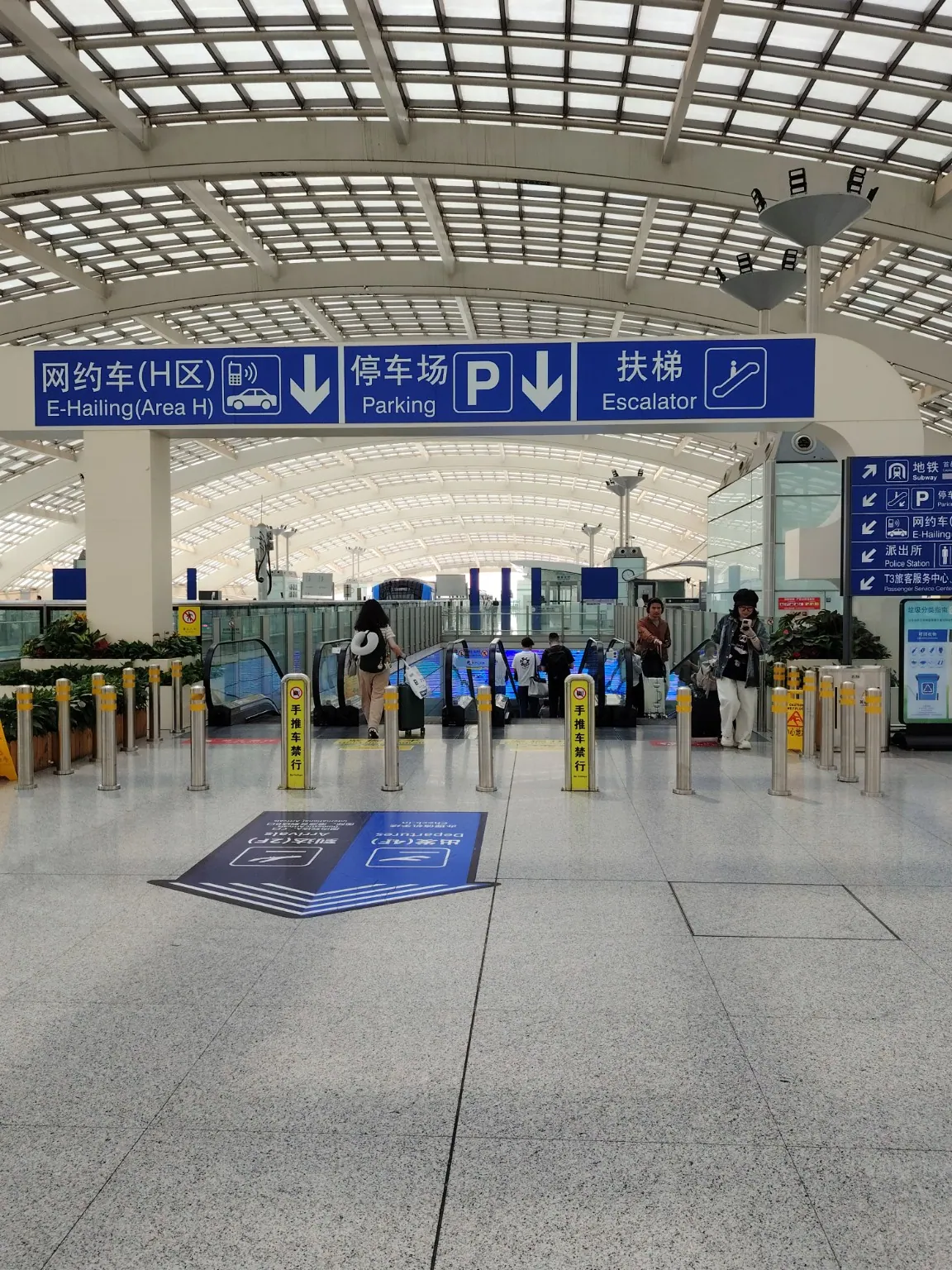
The overhead sign reads 网约车(H区), E-Hailing (Area H), with a downward arrow.
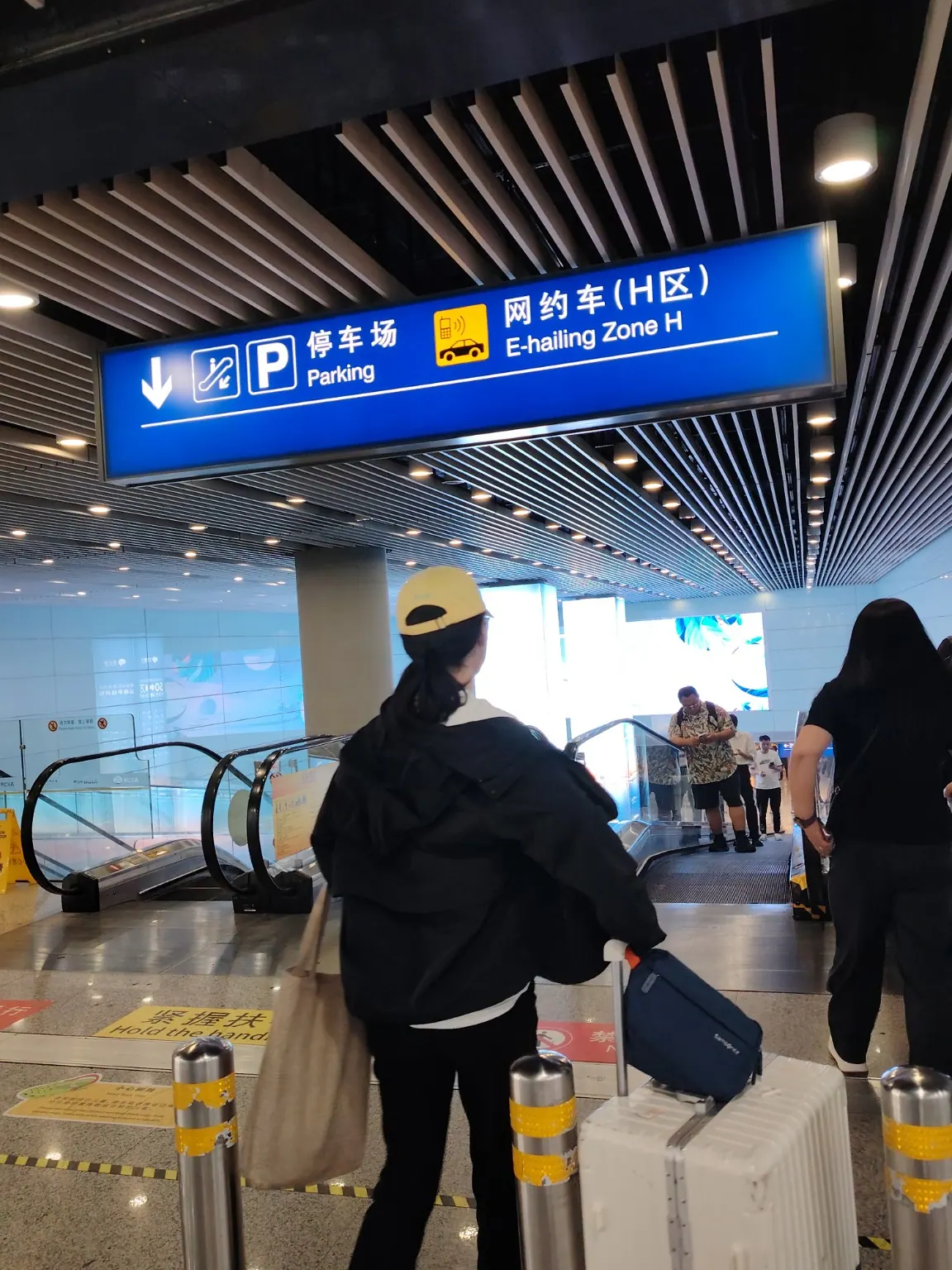
Use the descending escalator indicated by the H-area signs. If carrying heavy luggage, look for a lift.
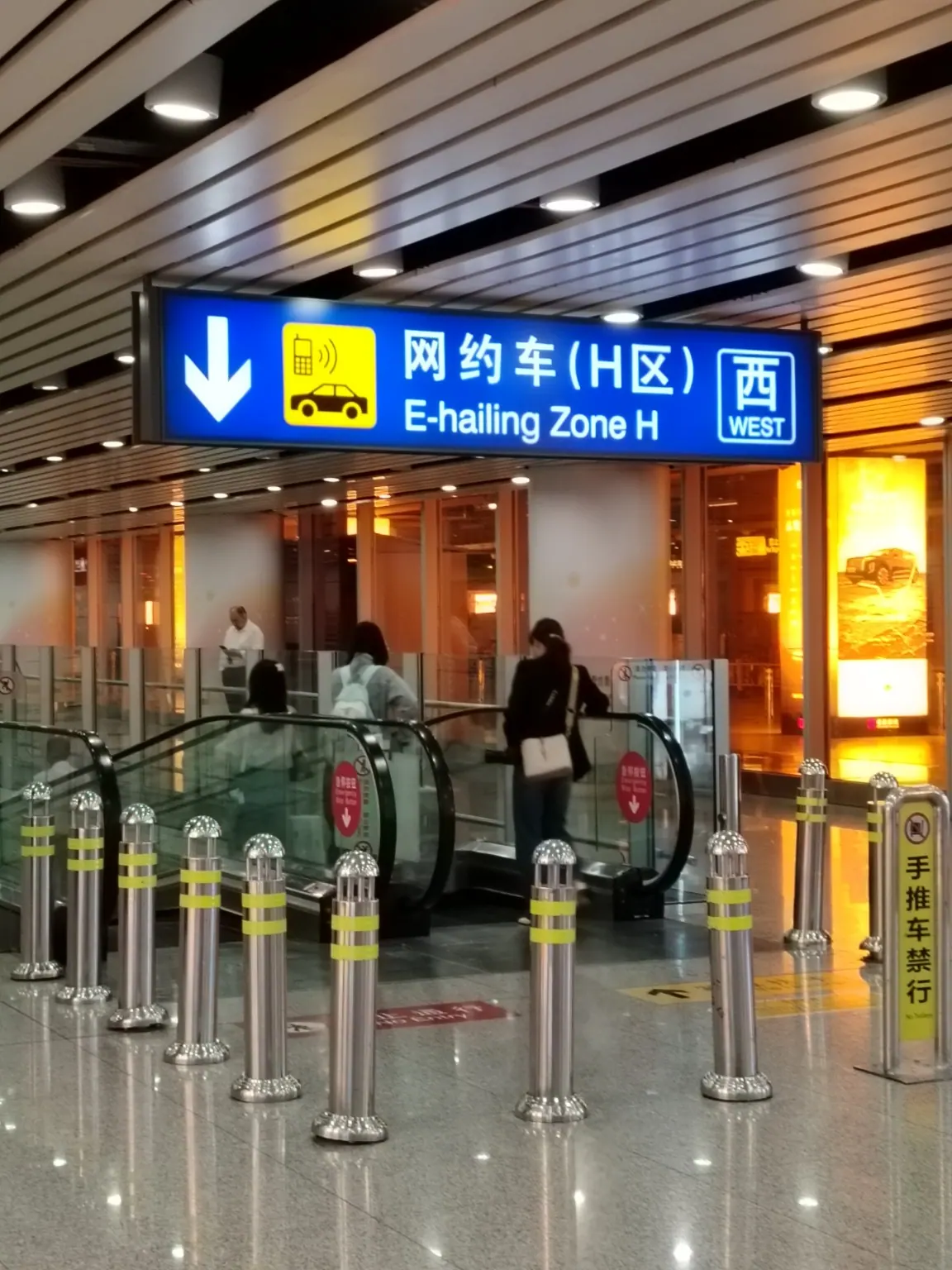
A second sign reads 网约车(H区) 西 / E-Hailing Zone H West.
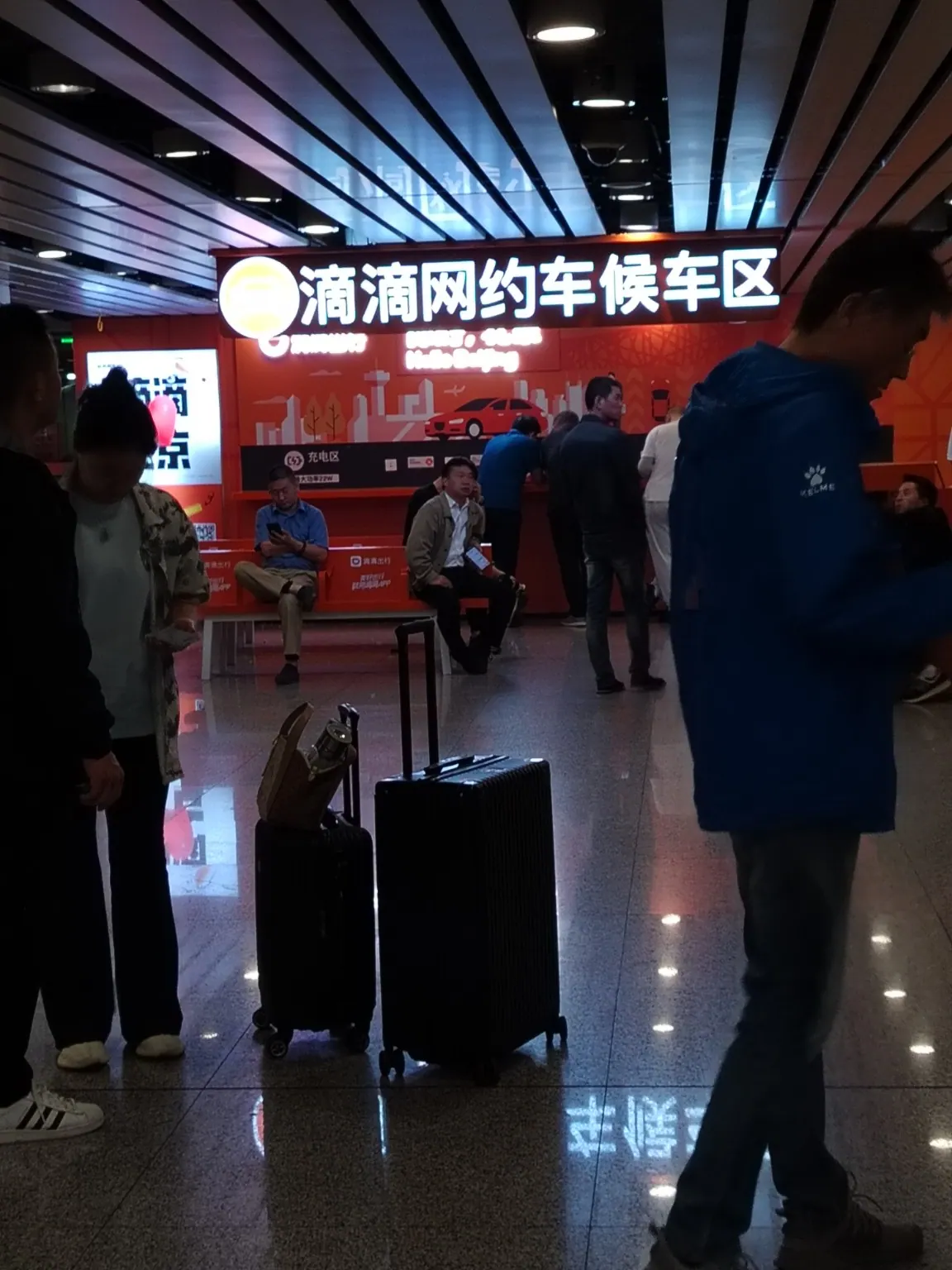
The orange sign identifies 滴滴网约车候车区 (DiDi ride-hailing waiting area).
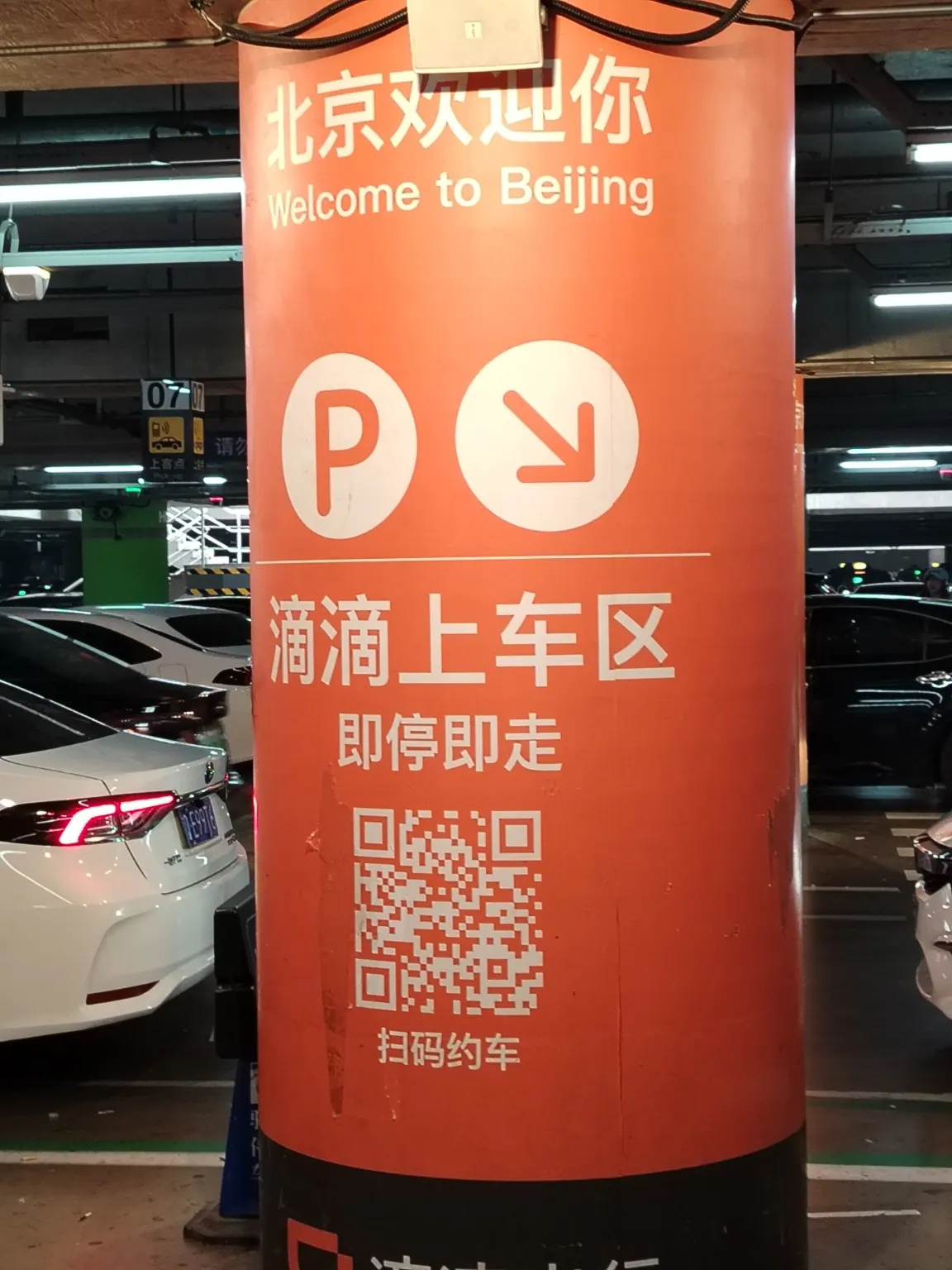
The orange pillars mark the DiDi pickup area. You can see the QR-code ride-booking information.
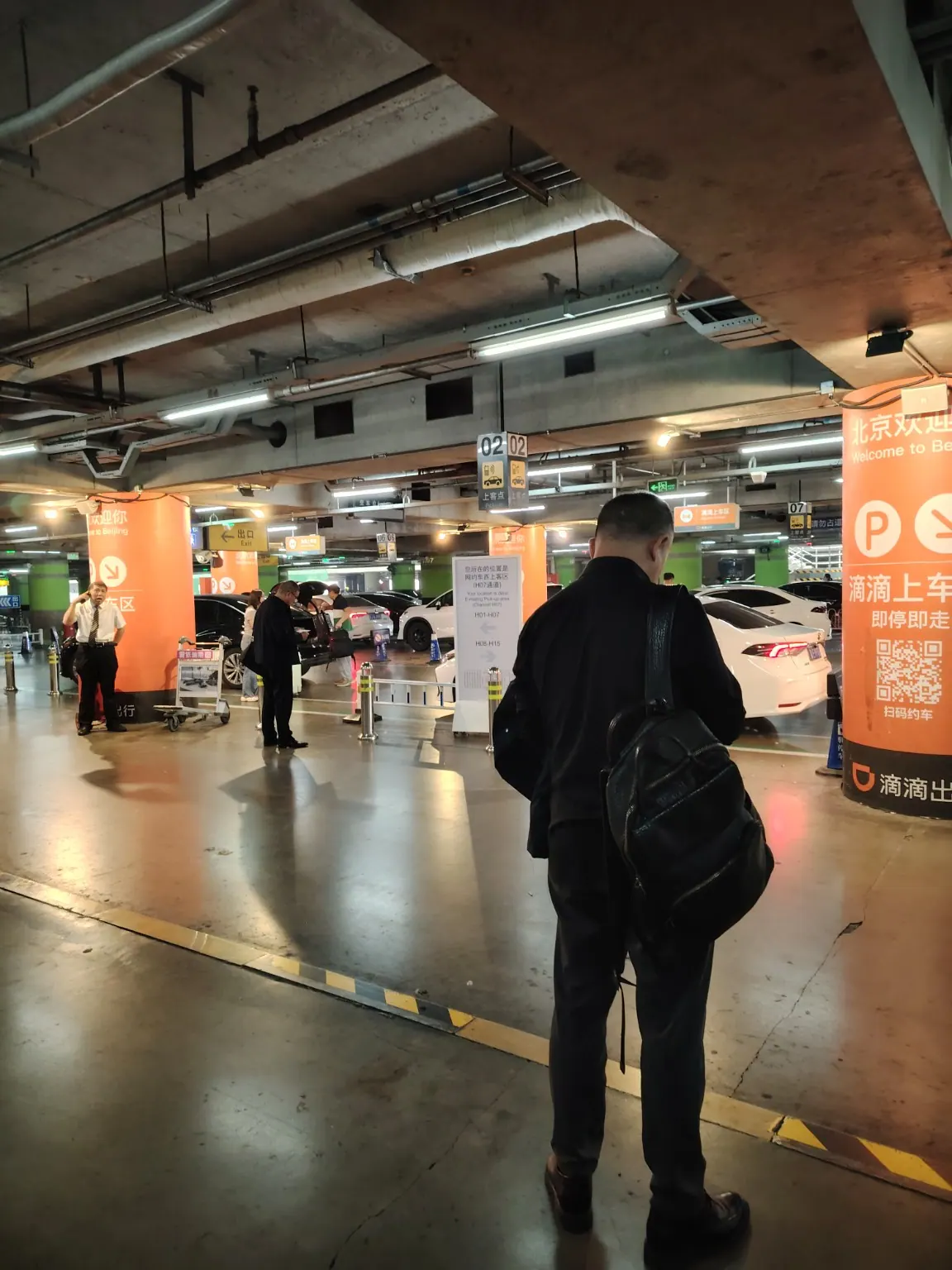
The parking-area signs show numbered pickup points. Check the precise pickup location shown in your DiDi order before boarding.
Make sure you selected Beijing Capital International Airport (PEK), Terminal 3—not Beijing Daxing Airport (PKX). Have mobile data ready. In DiDi, compare the exact zone and numbered bay with the signs on site. If the app sends you to a different location, follow the current app instructions or ask airport staff.
All travel guides · Airport DiDi pickup · High-speed rail entry · Vending machines