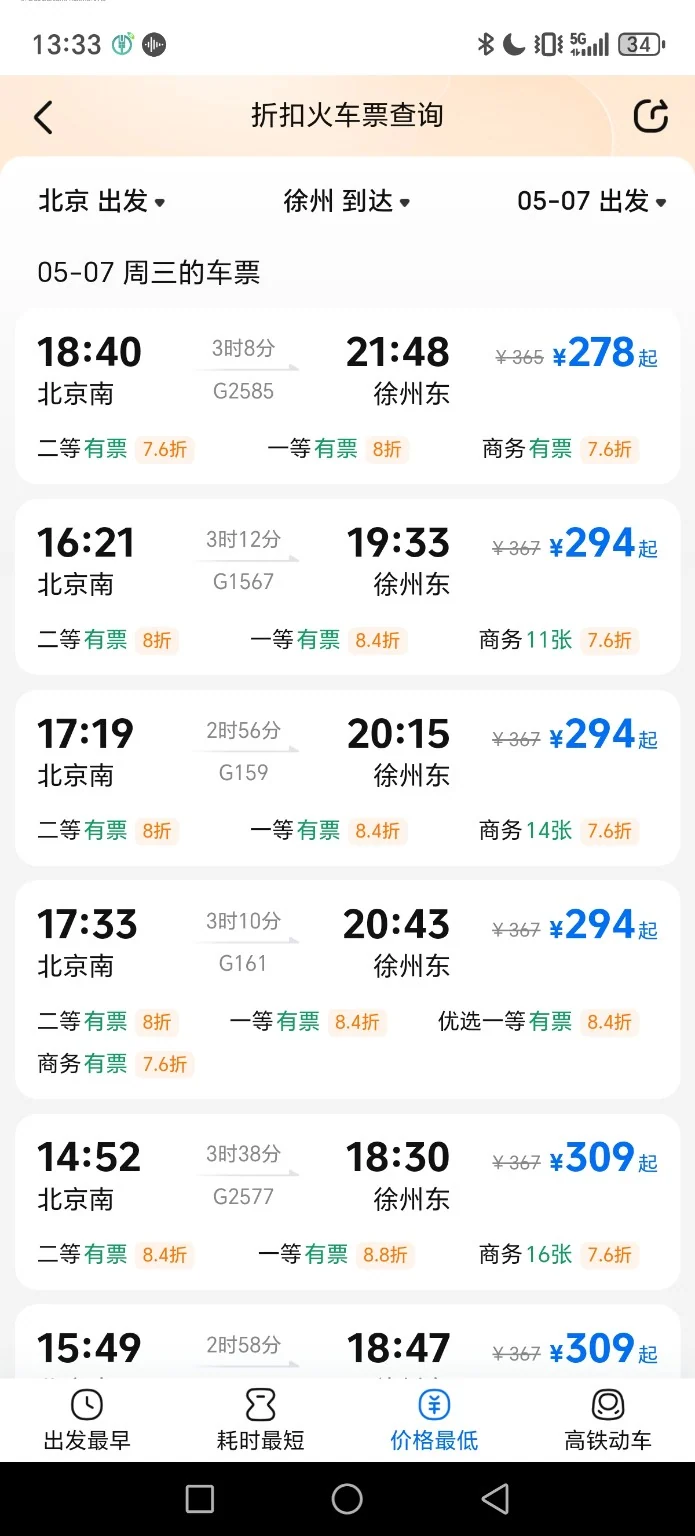
1. Search train schedules
Search train schedules. Check the app’s current instructions before continuing.
A 23-photo example showing the Ctrip booking process, payment, ticket issuance, and finding your train.
⬇ Download all 23 guide photos (ZIP)
Search train schedules. Check the app’s current instructions before continuing.
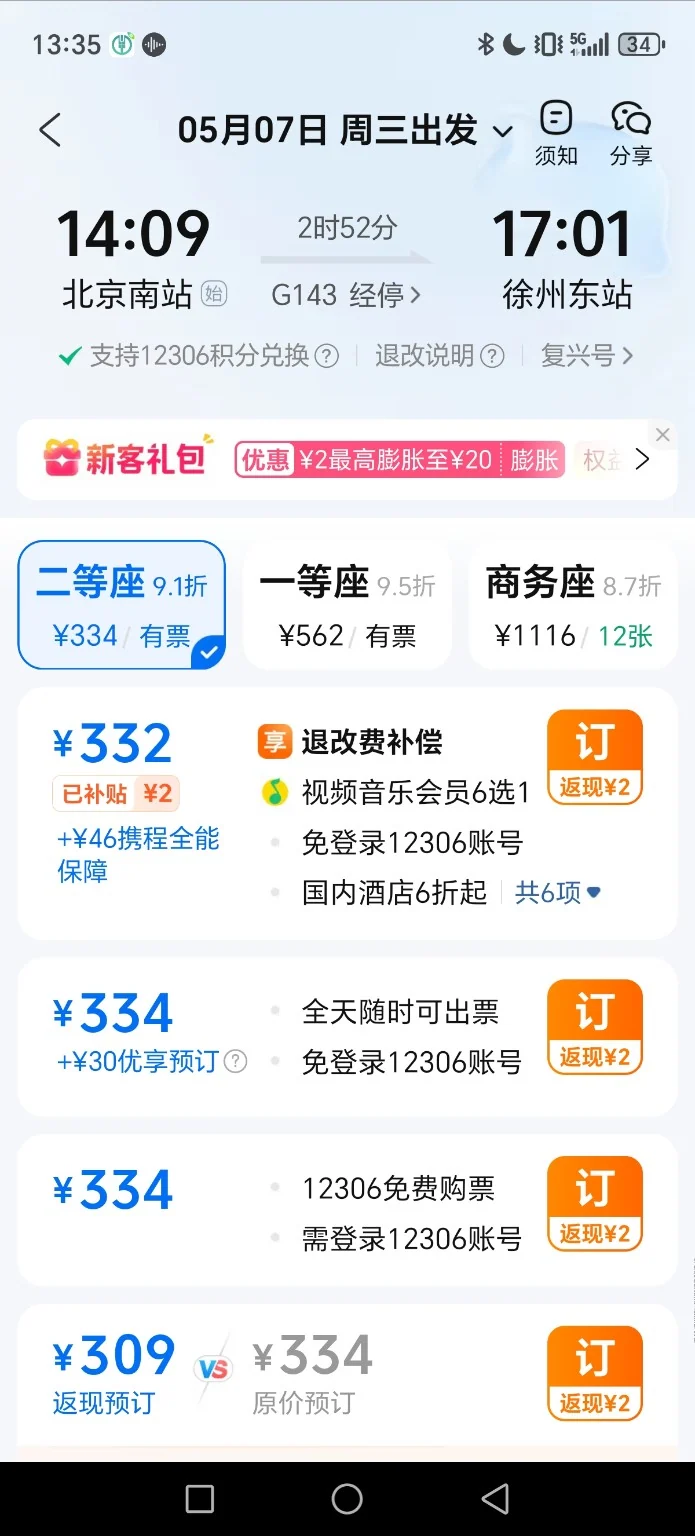
Compare departure times and fares. Check the app’s current instructions before continuing.
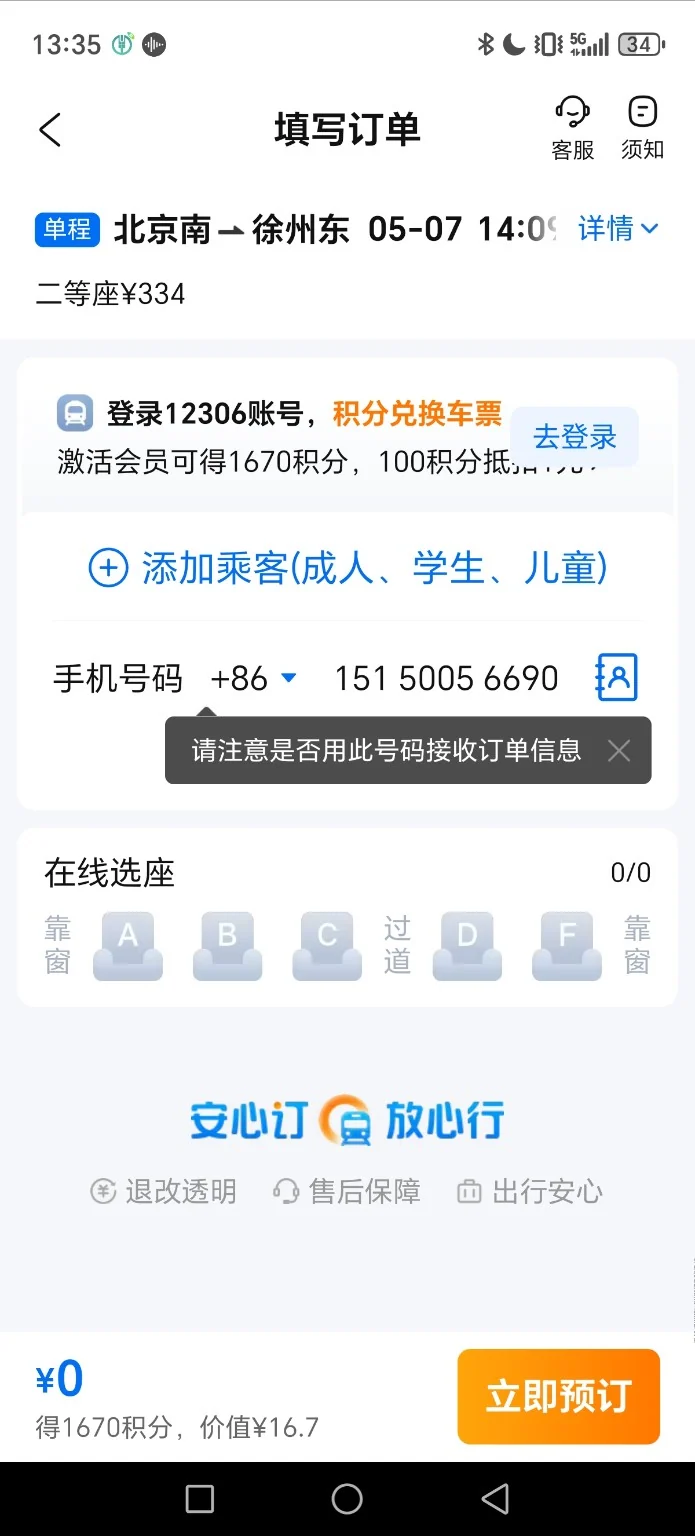
Review ticket choices. Check the app’s current instructions before continuing.
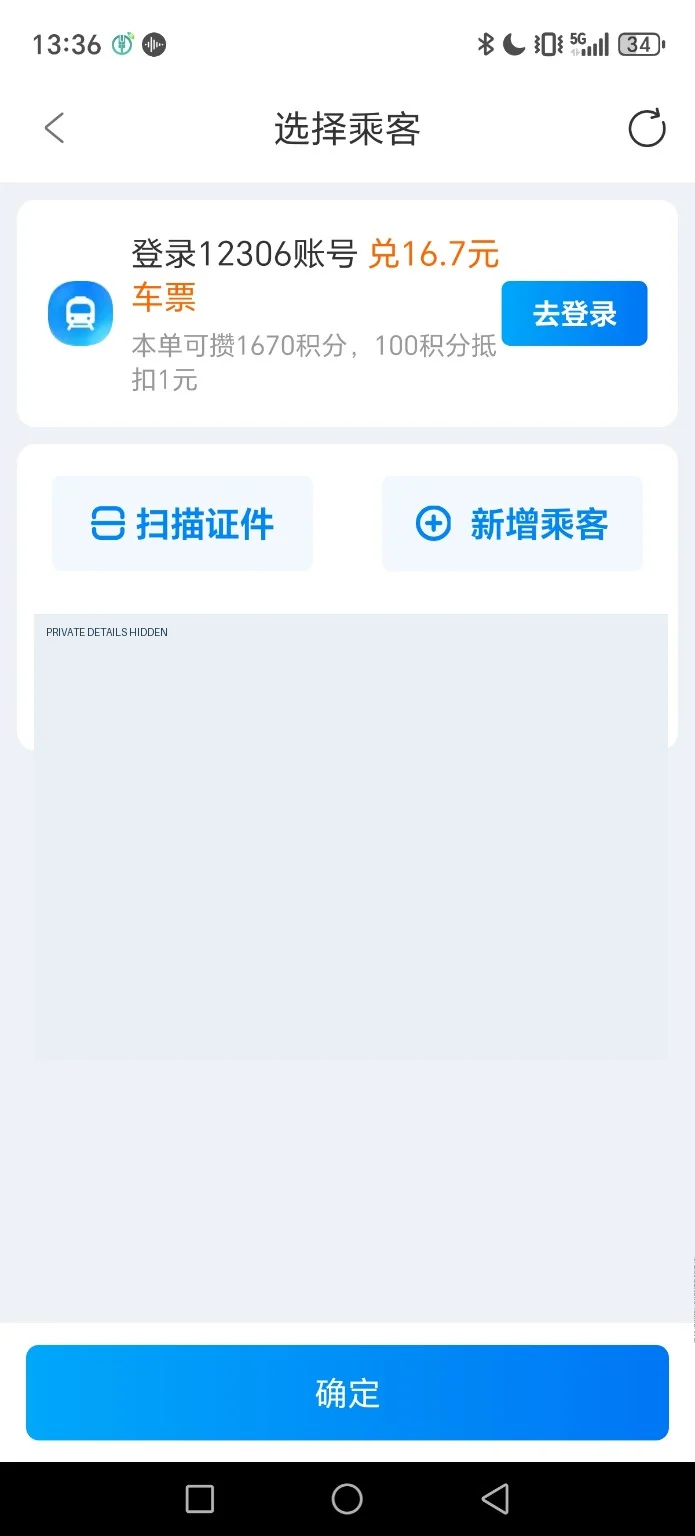
Confirm passenger and trip details. Check the app’s current instructions before continuing.
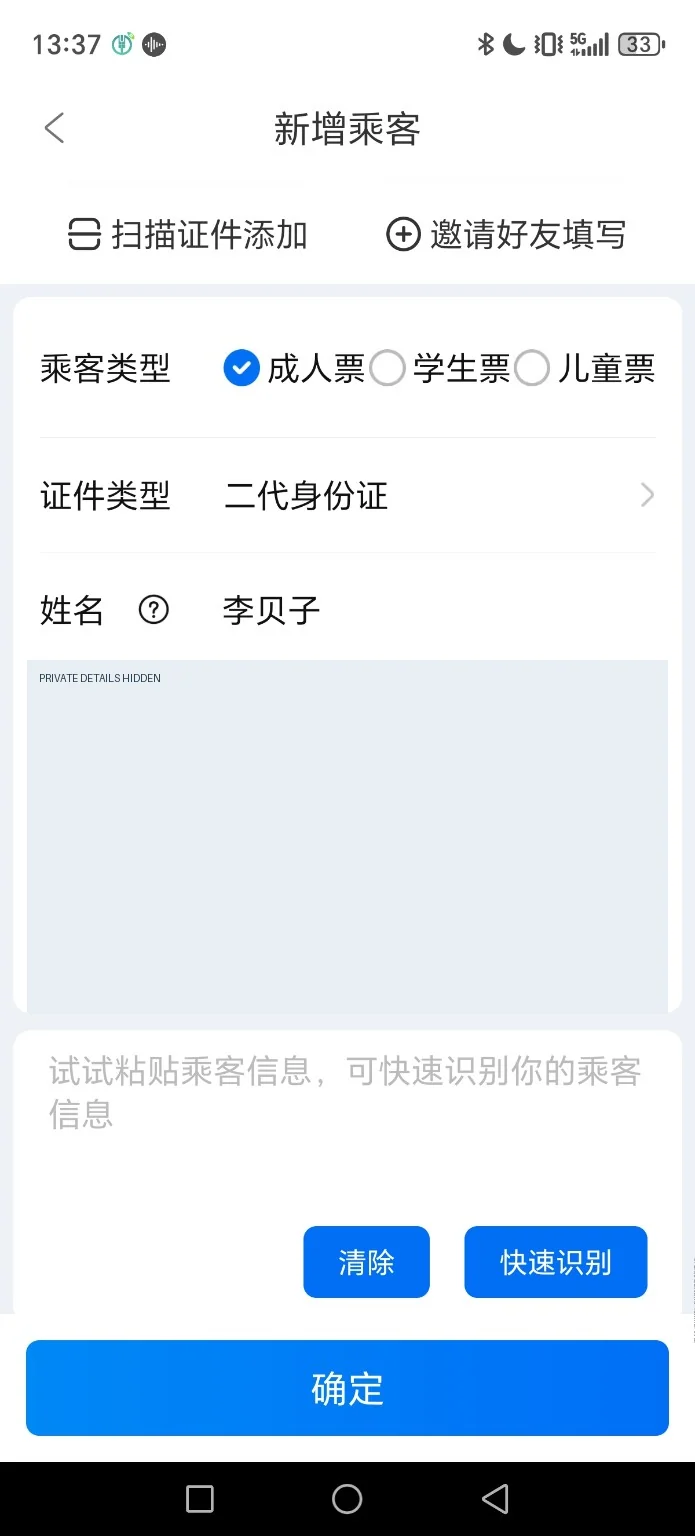
Read the booking notice. Check the app’s current instructions before continuing.
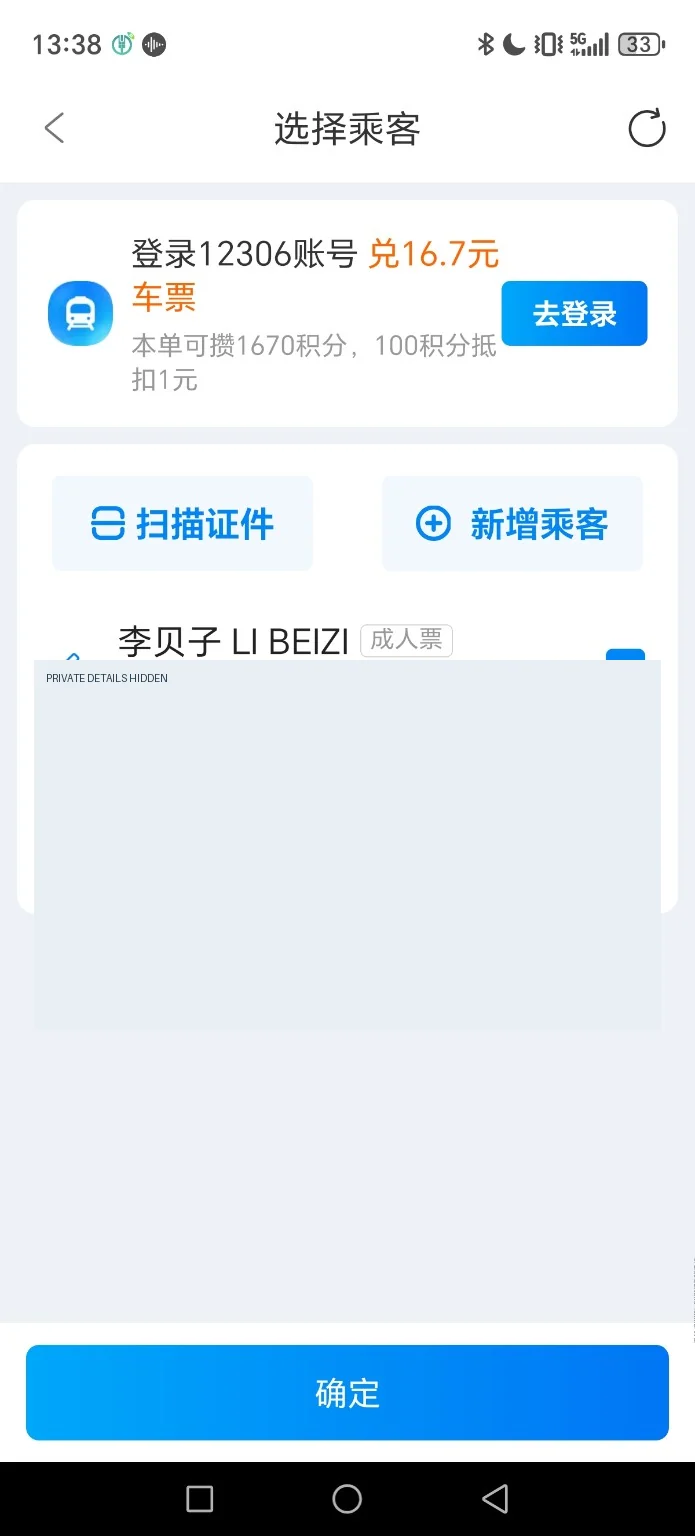
Confirm your booking selections. Check the app’s current instructions before continuing.
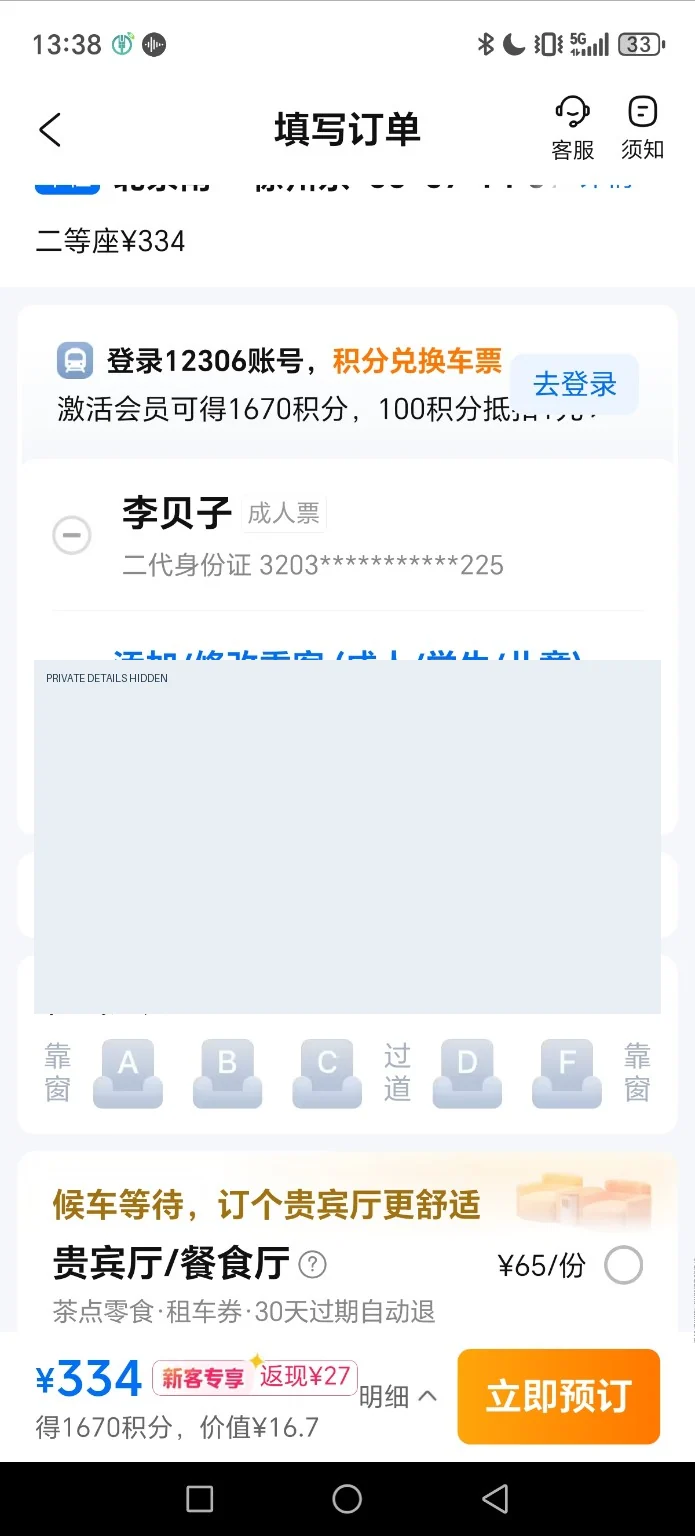
Review the order before payment. Check the app’s current instructions before continuing.
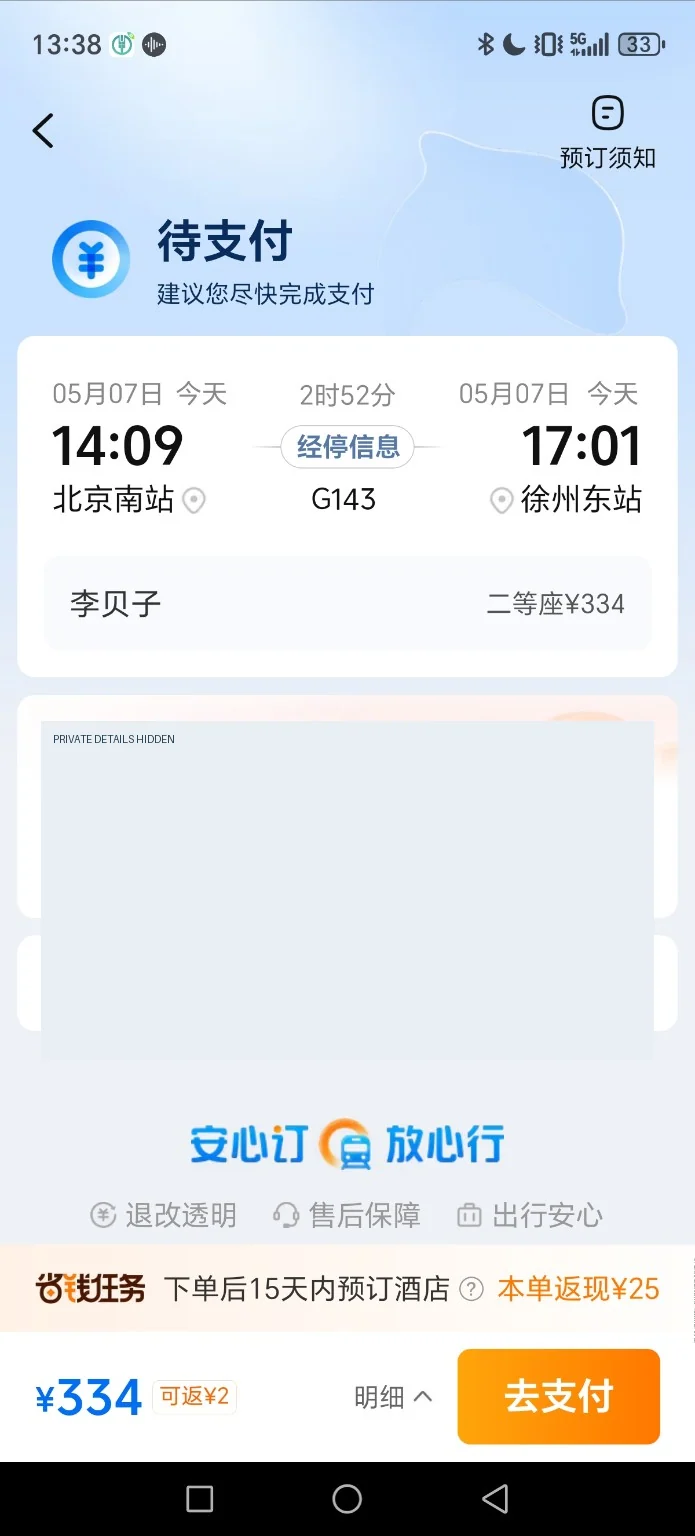
Check the pending booking status. Check the app’s current instructions before continuing.
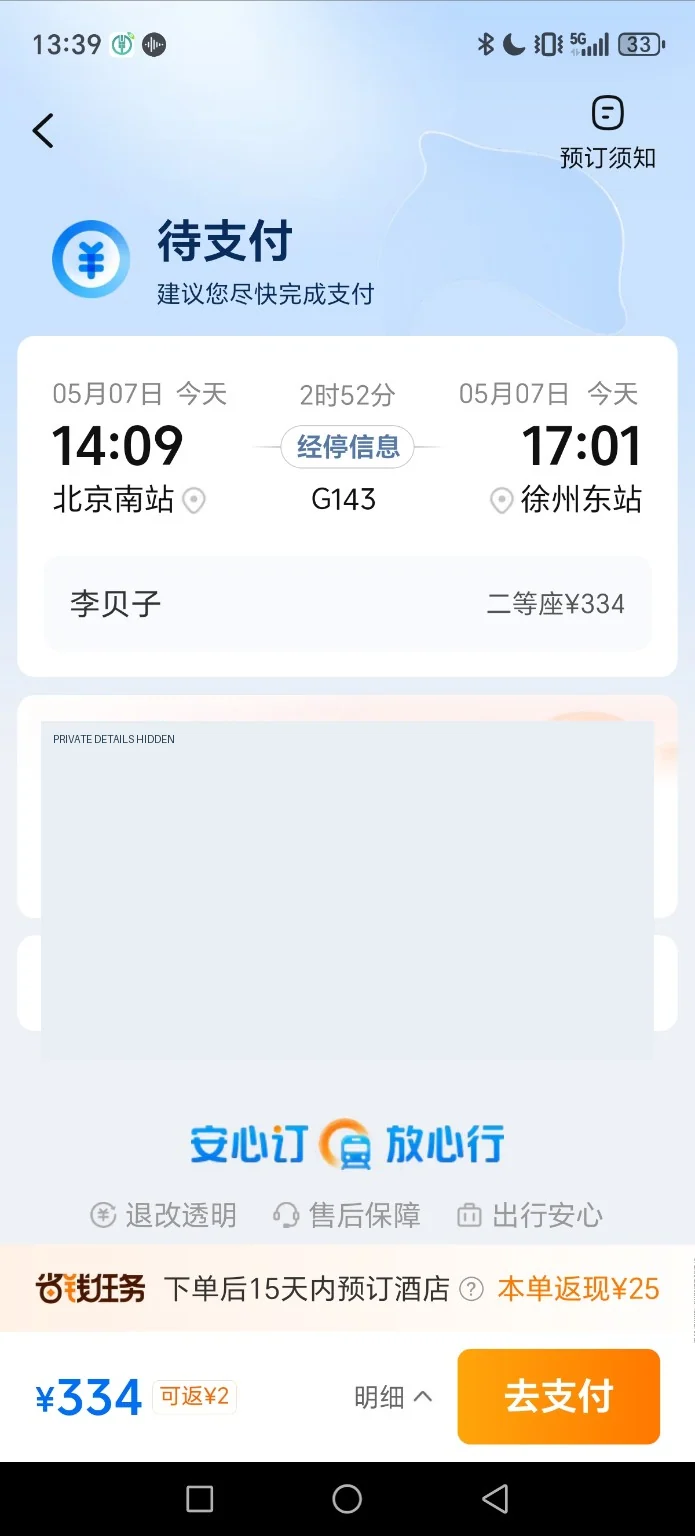
Review your order summary. Check the app’s current instructions before continuing.
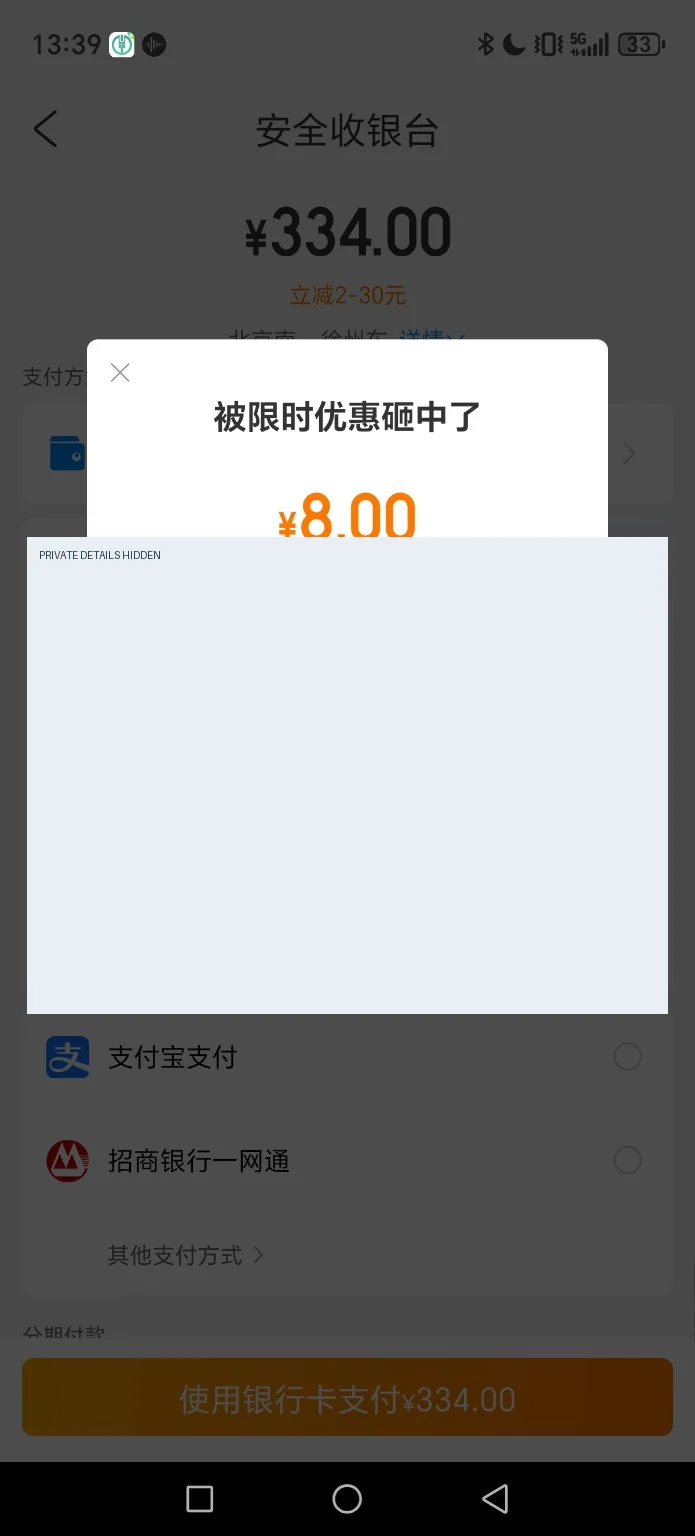
Check an on-screen payment prompt. Check the app’s current instructions before continuing.
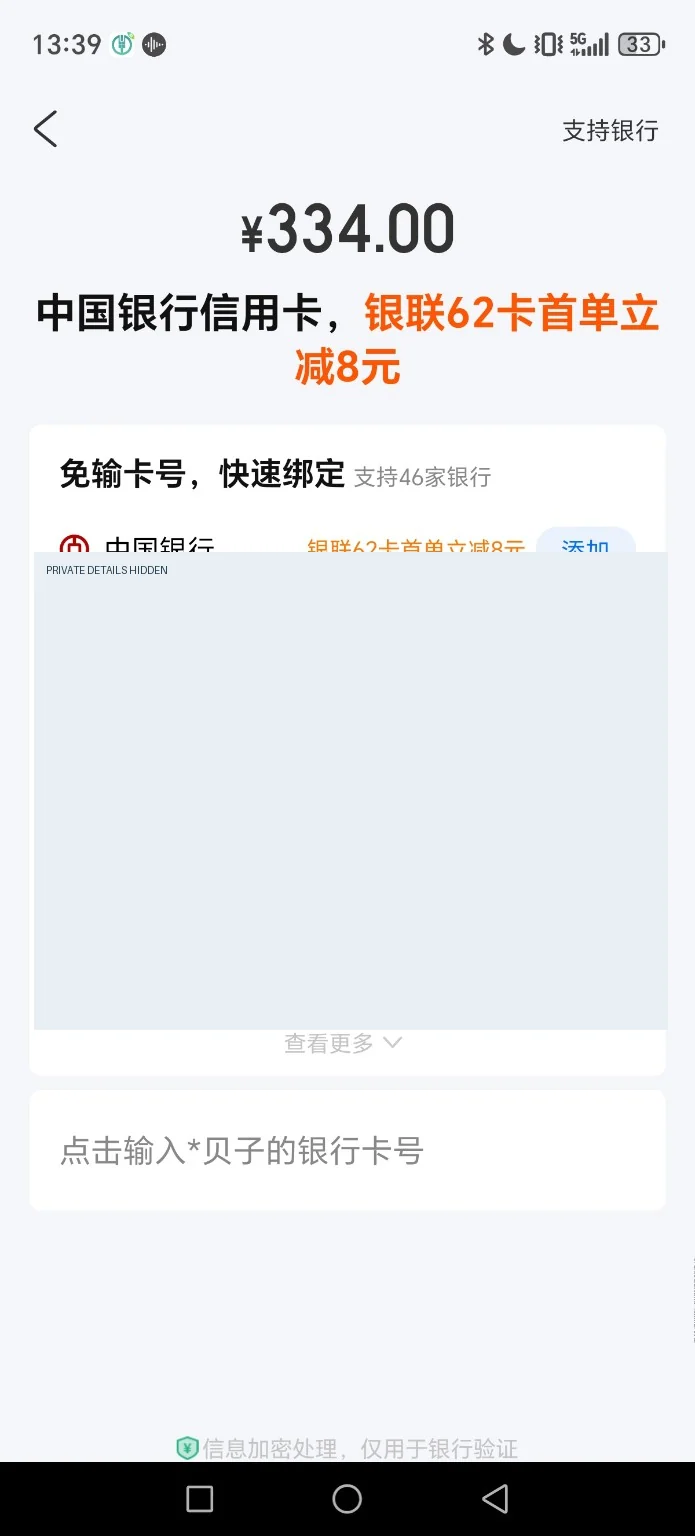
Choose a payment method. Check the app’s current instructions before continuing.
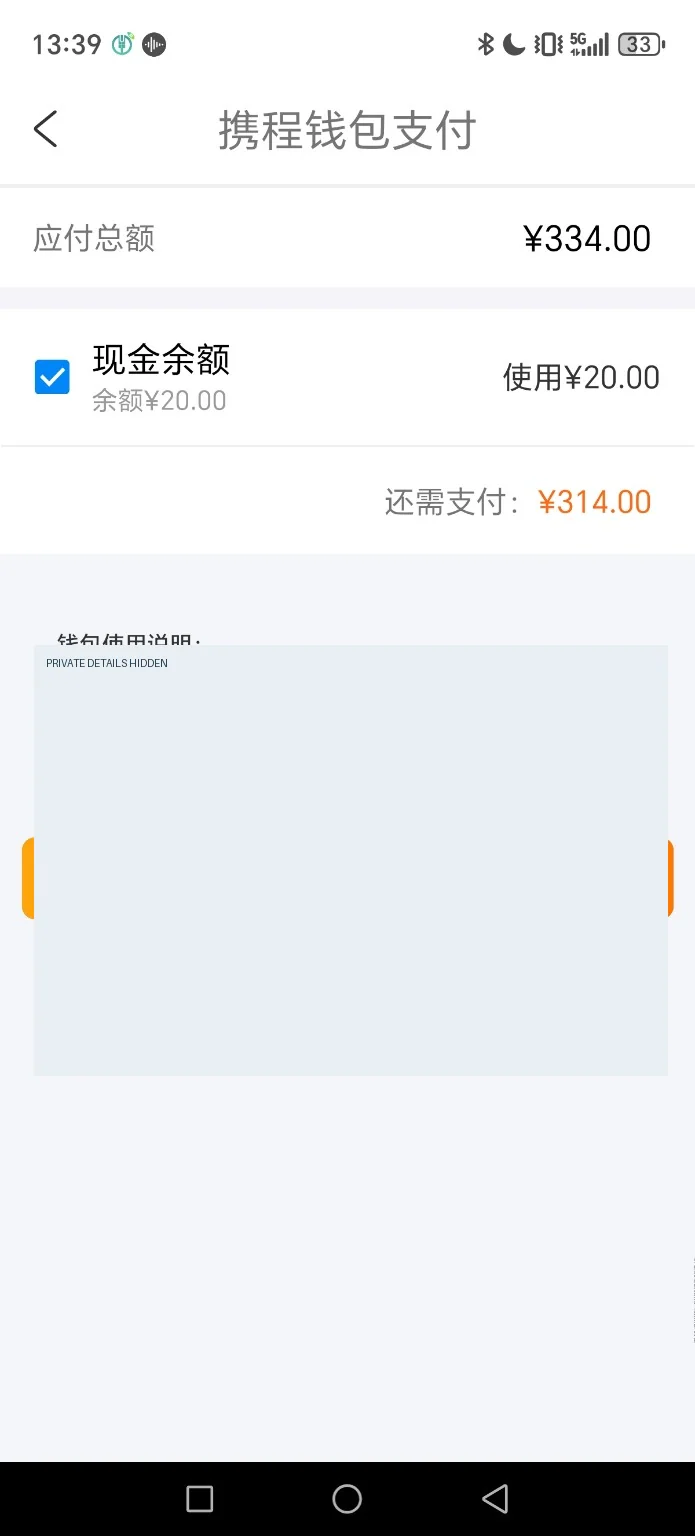
Continue to the payment step. Check the app’s current instructions before continuing.
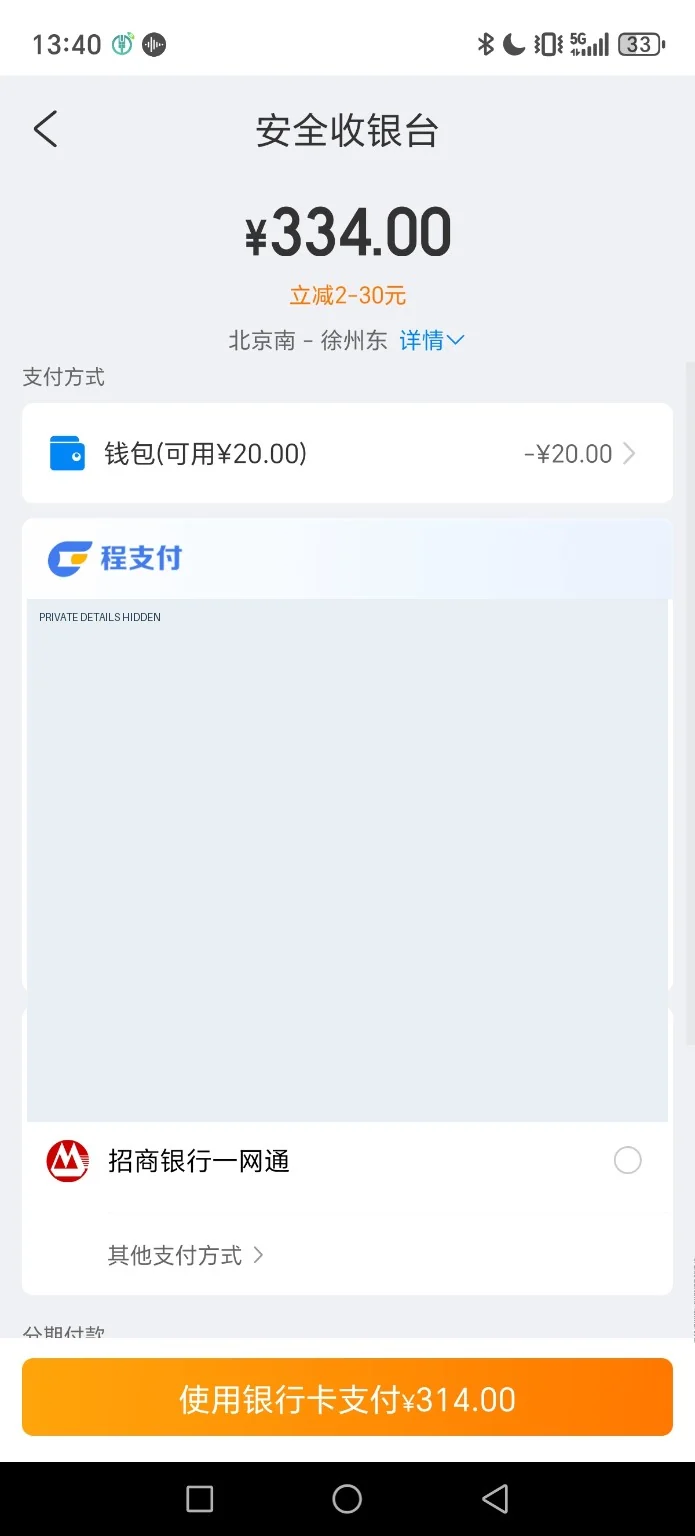
Select a supported payment option. Check the app’s current instructions before continuing.
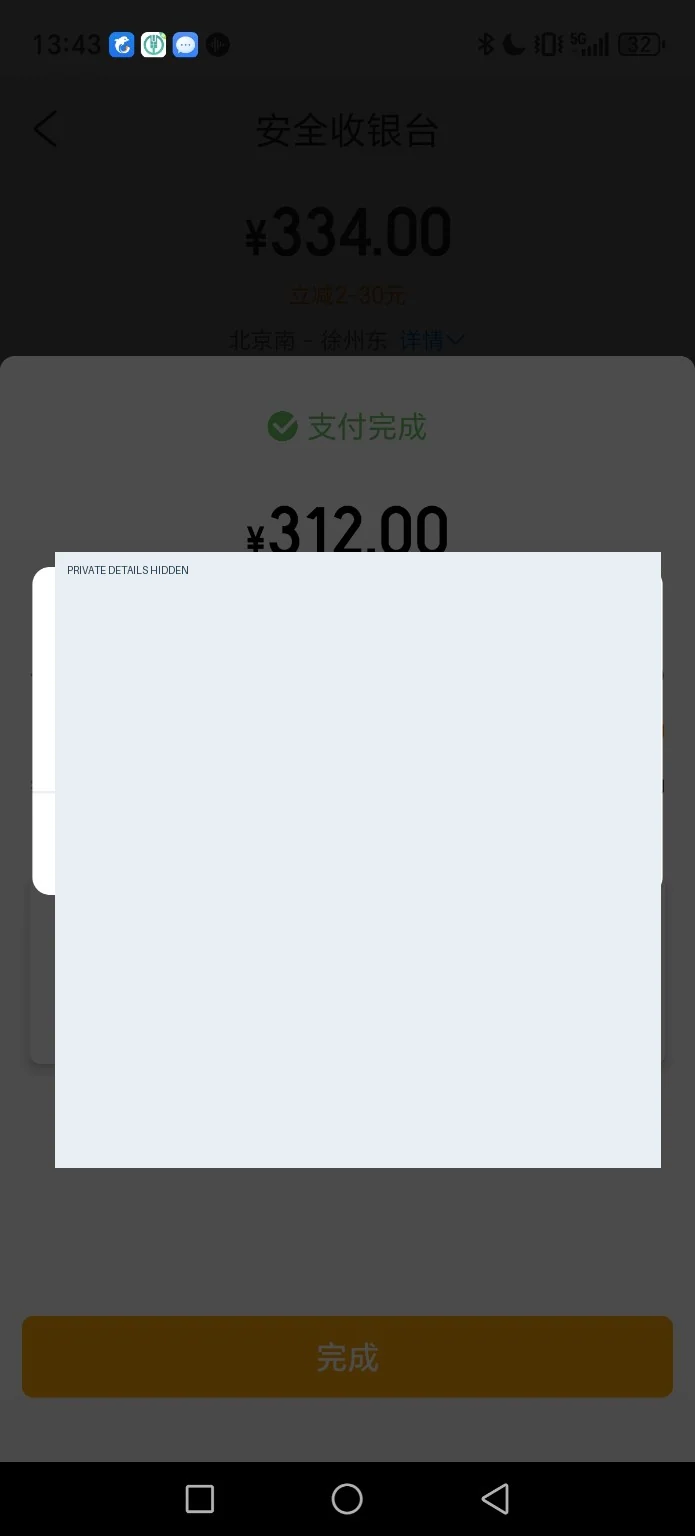
Complete bank verification. Check the app’s current instructions before continuing.
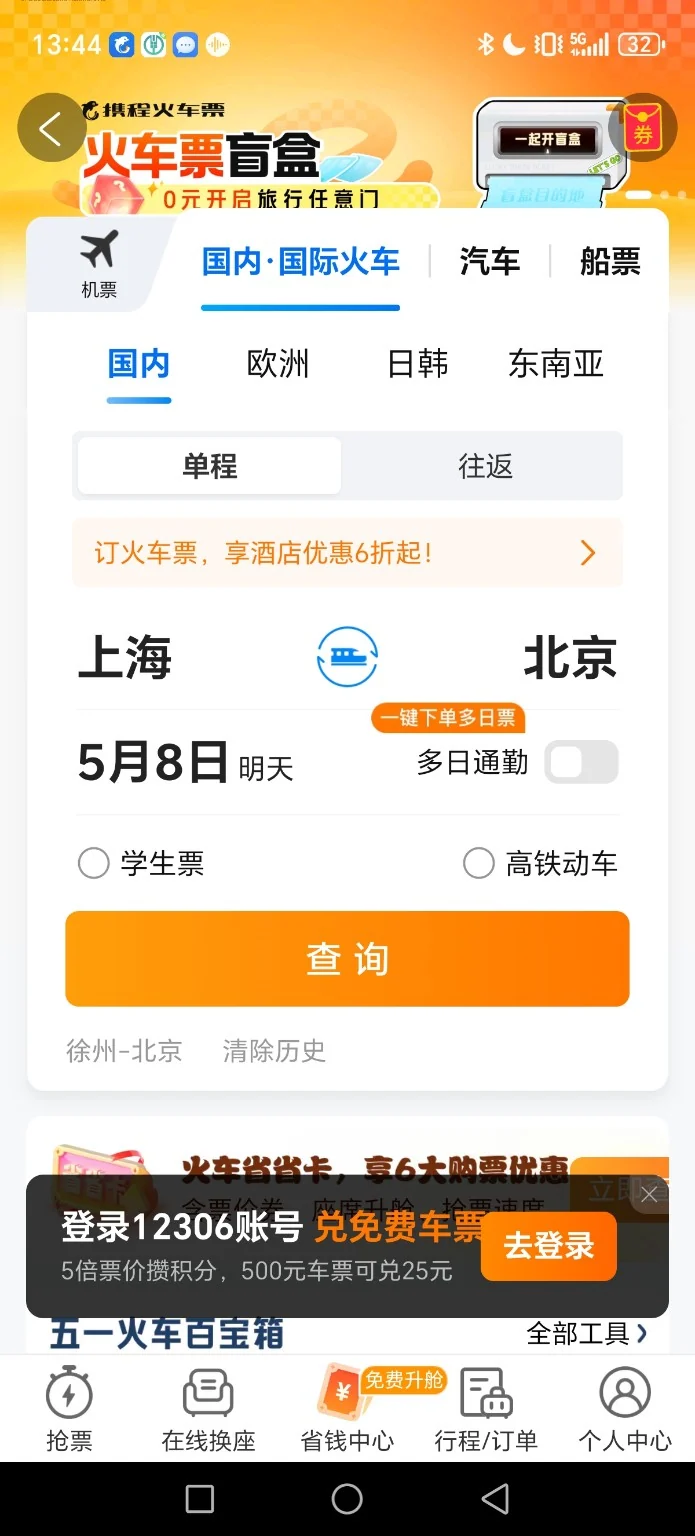
Return to the booking app. Check the app’s current instructions before continuing.
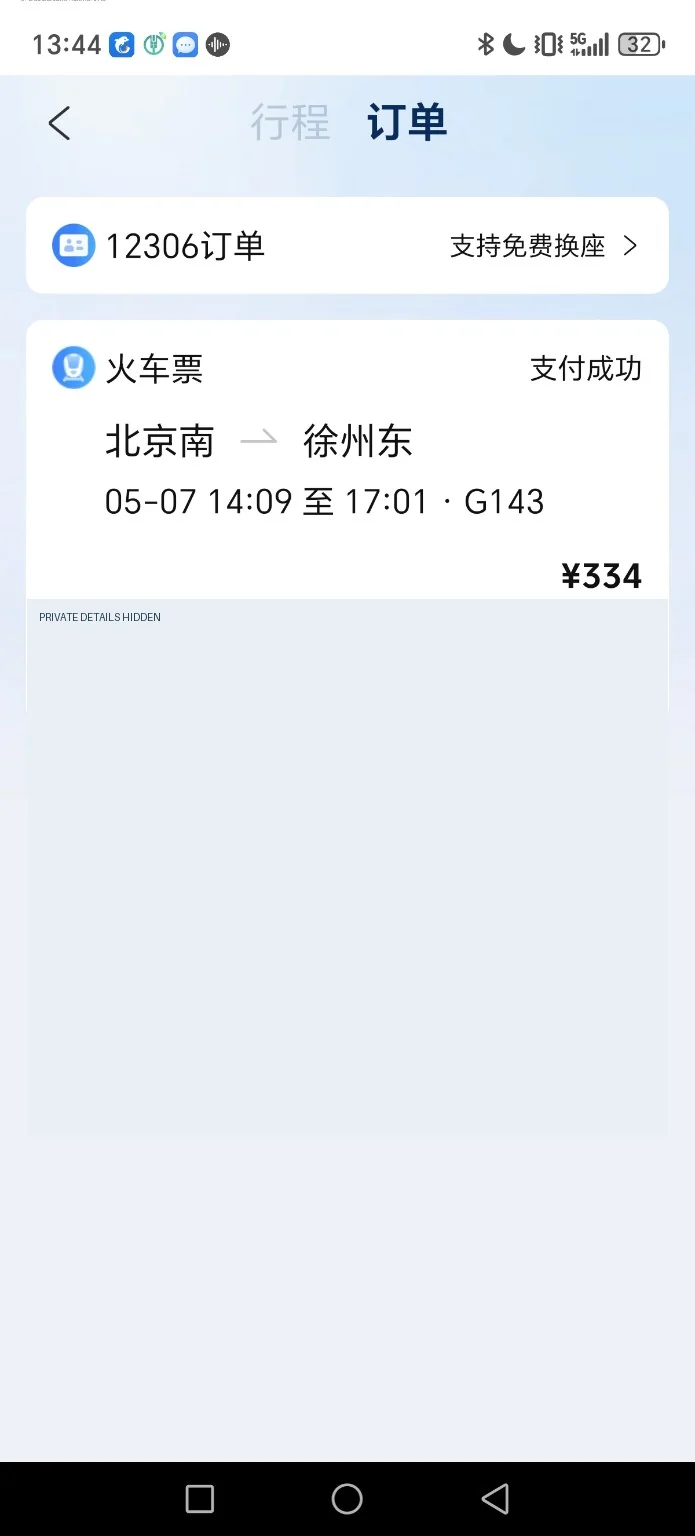
Find the relevant train order. Check the app’s current instructions before continuing.
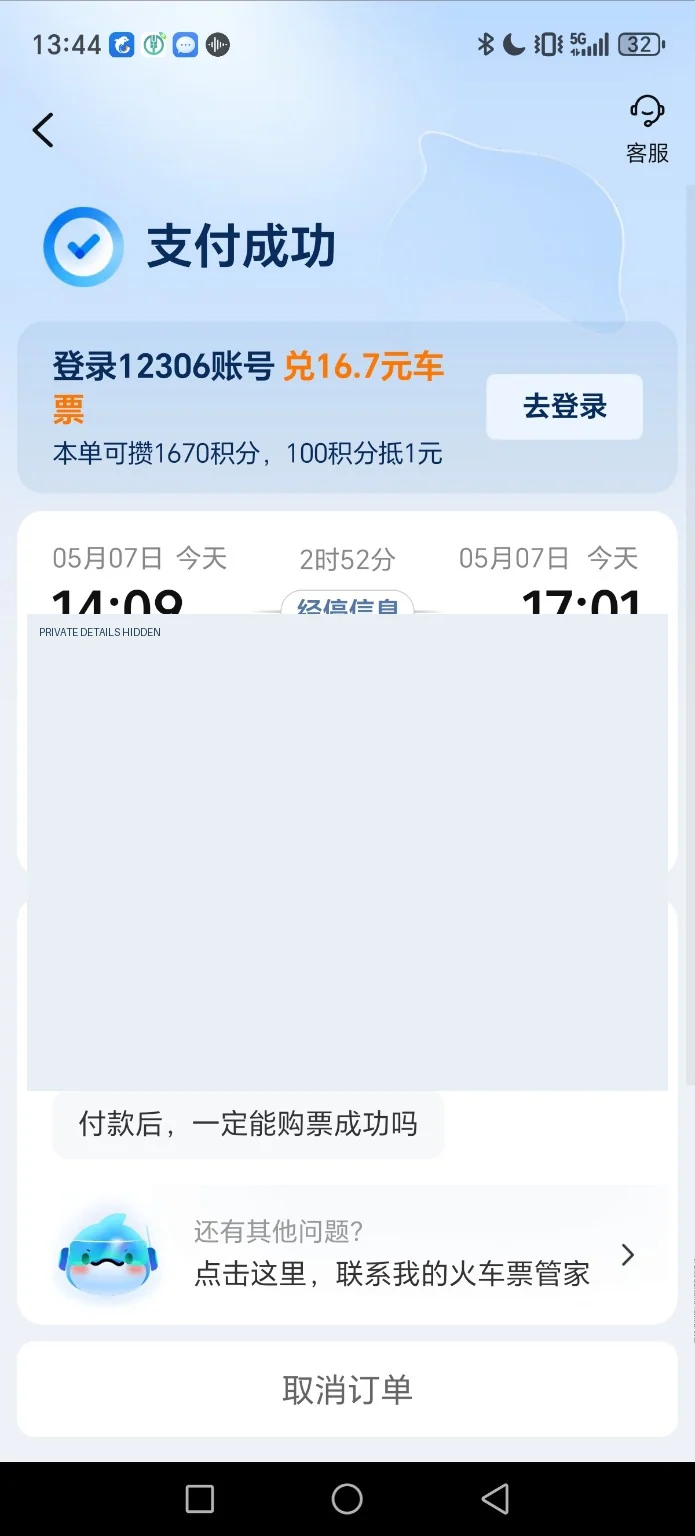
Check whether payment was received. Check the app’s current instructions before continuing.
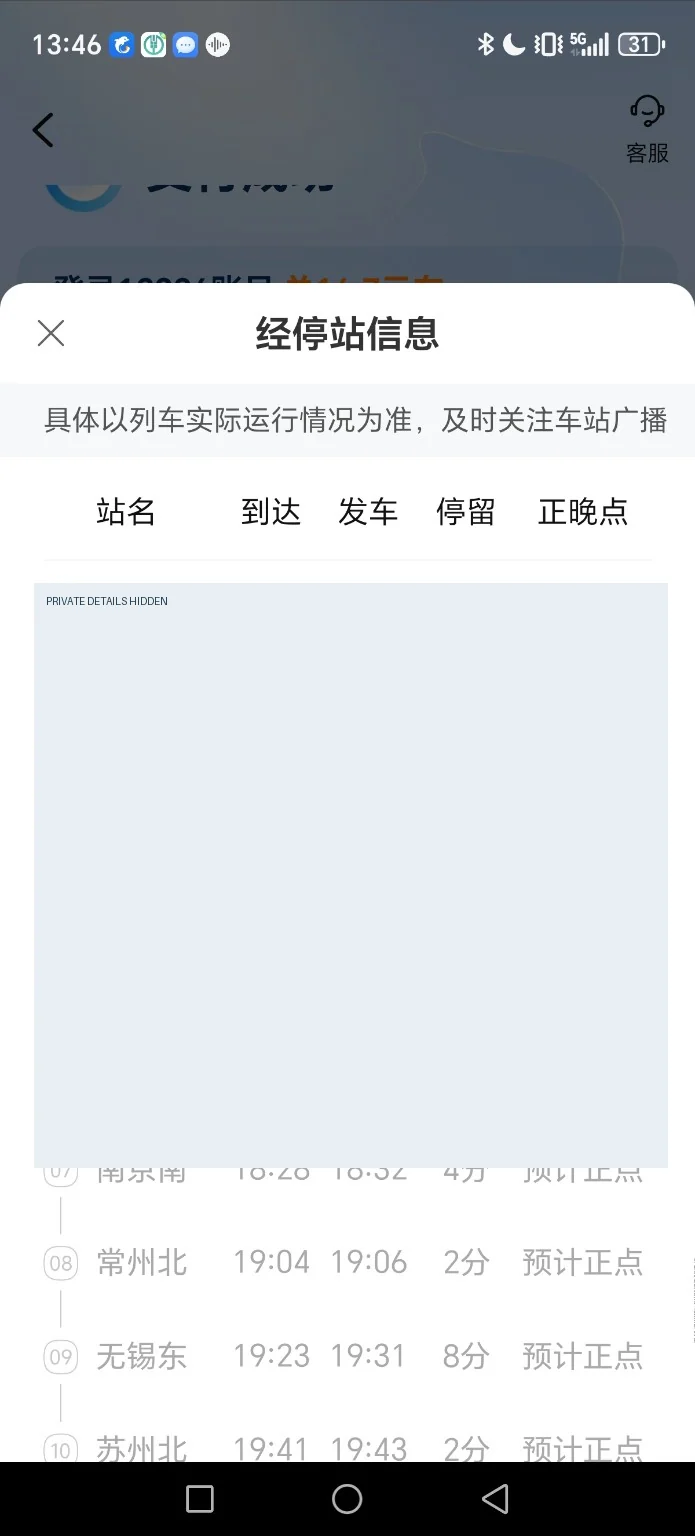
Review the order and issuance progress. Check the app’s current instructions before continuing.
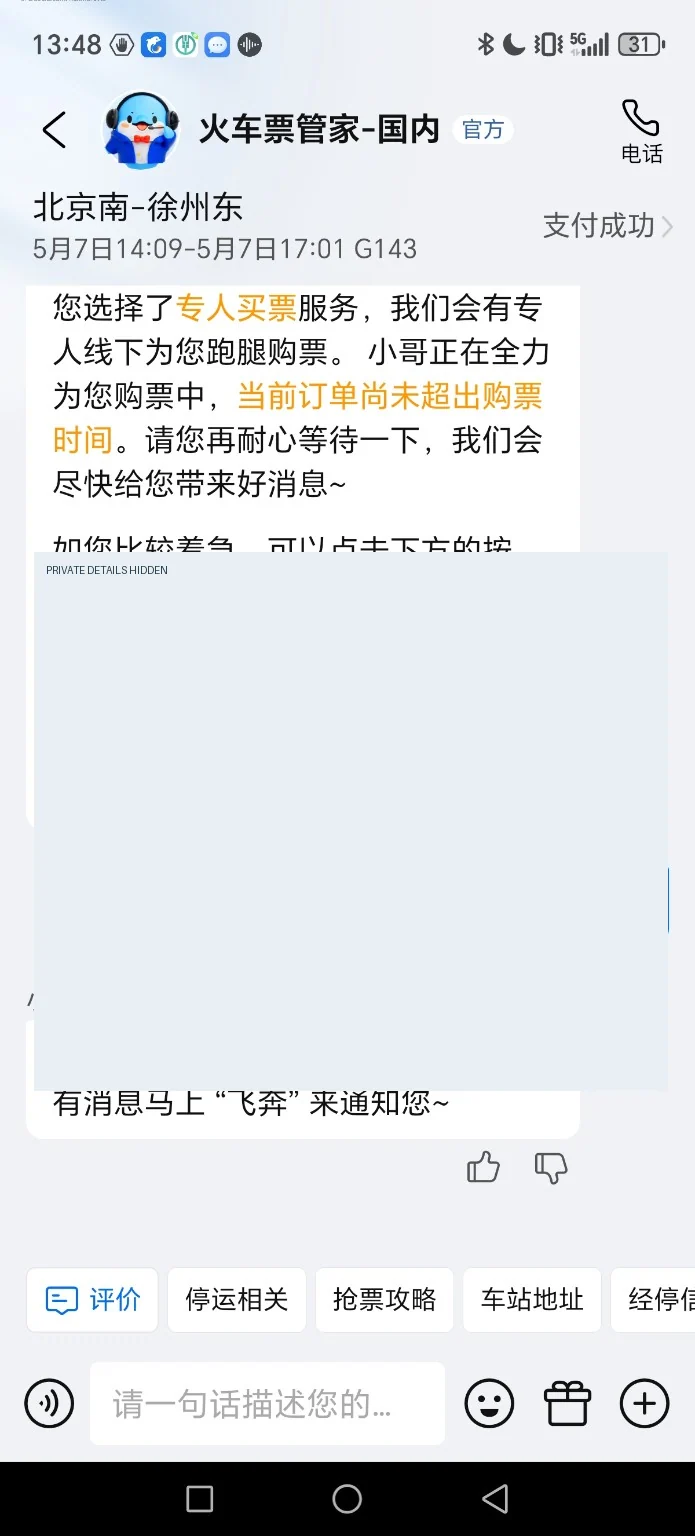
Contact support if issuance is delayed. Check the app’s current instructions before continuing.
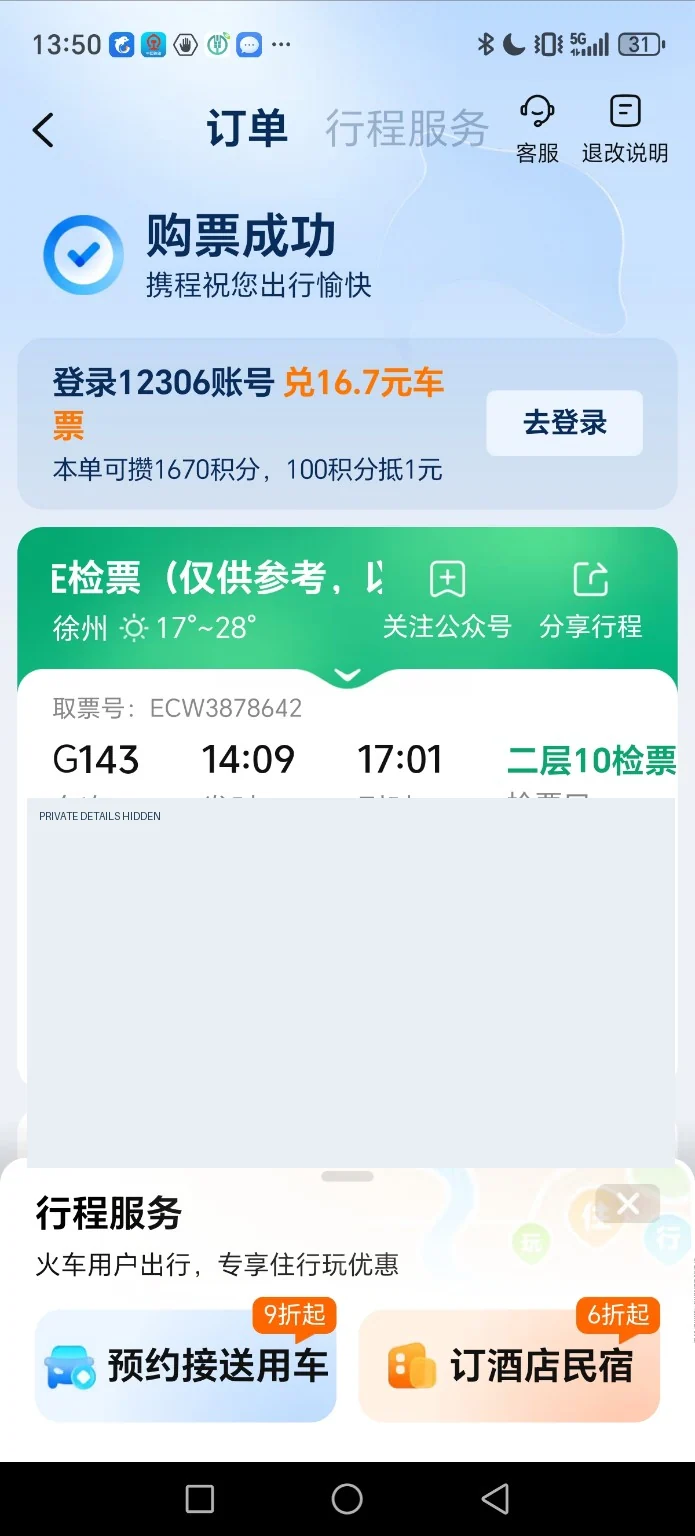
Confirm the ticket has been issued. Check the app’s current instructions before continuing.
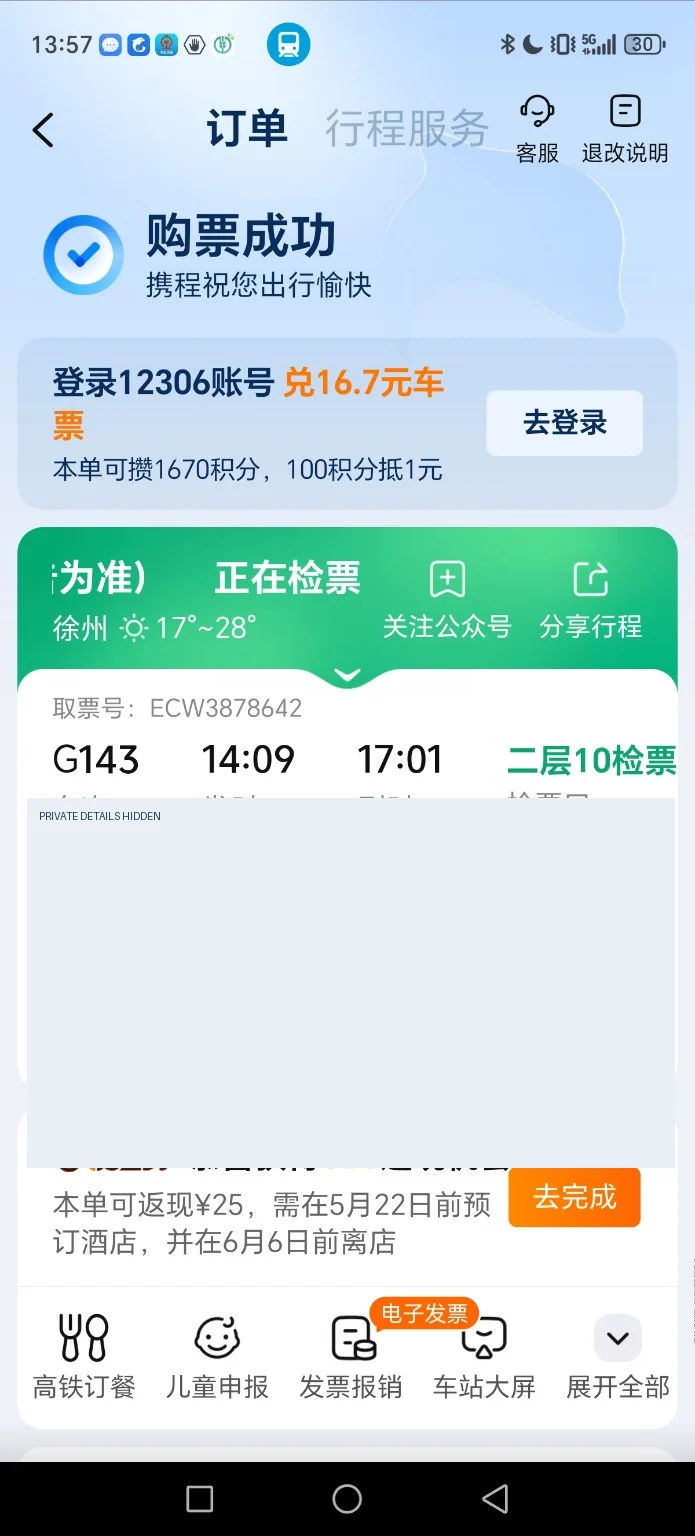
Check the final ticket and seat. Check the app’s current instructions before continuing.
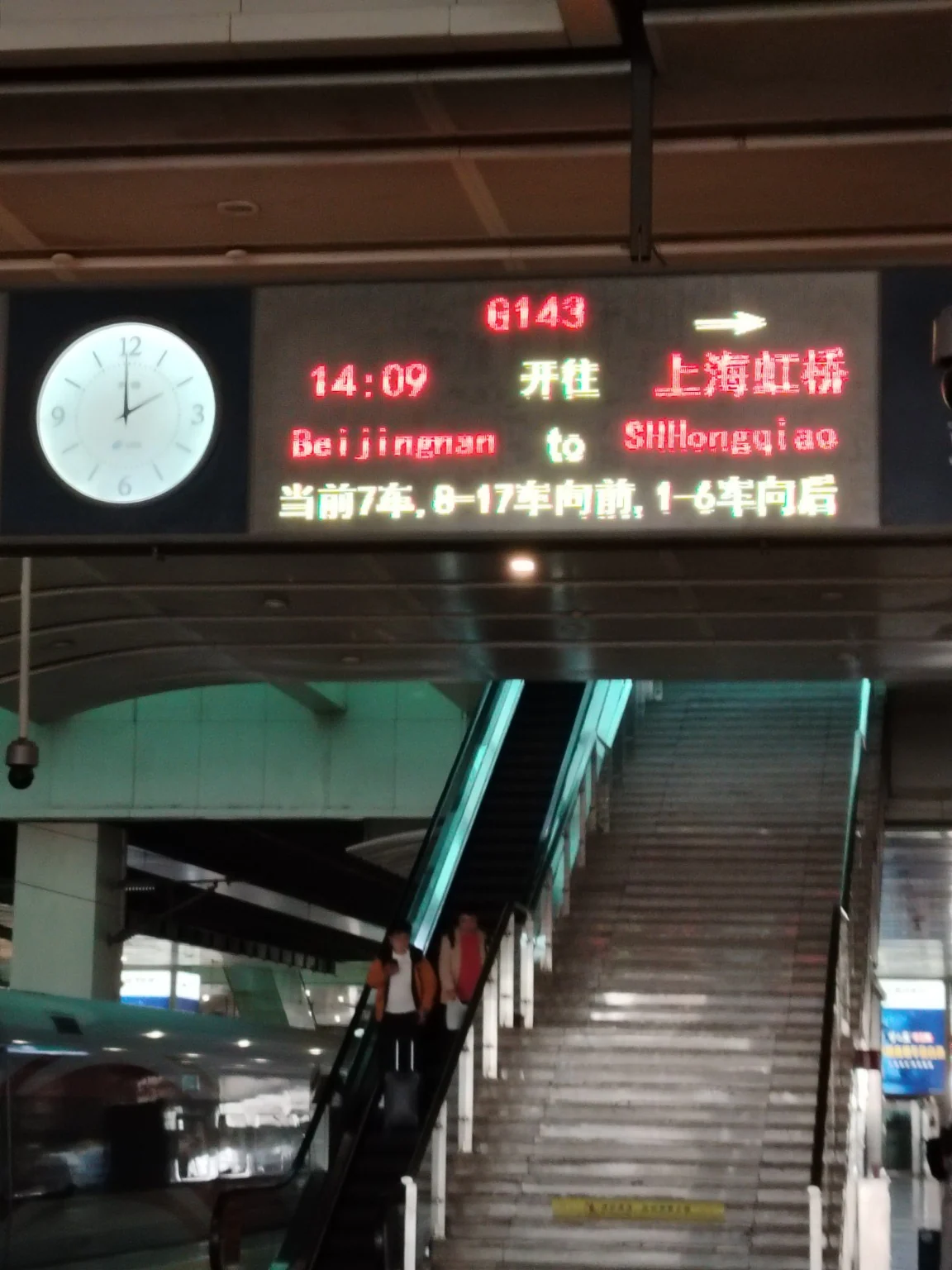
Read the train display at the platform. Check the app’s current instructions before continuing.
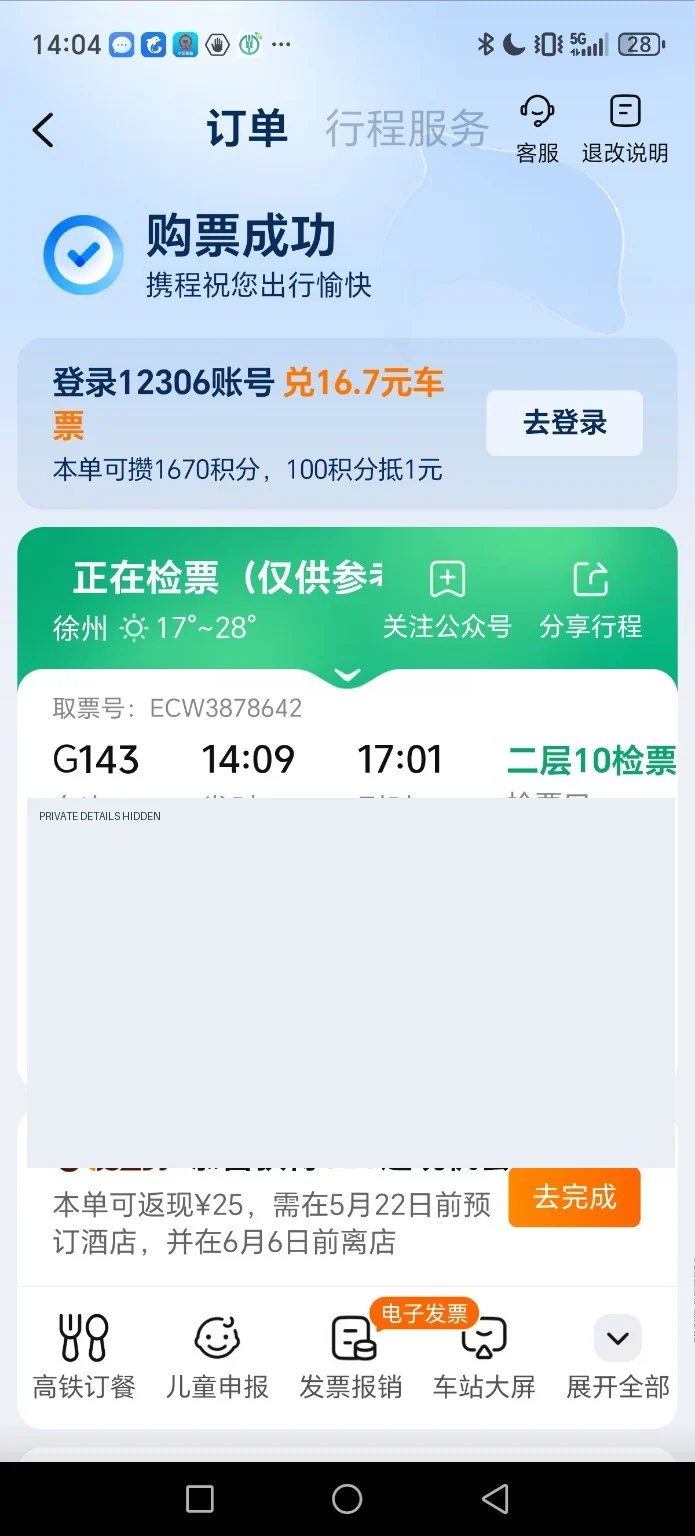
Check the boarding gate and carriage. Check the app’s current instructions before continuing.
Arrive early enough for station security and identity verification. Use the live train information board to confirm the correct train and platform. In this example, the app displayed carriage 08 and seat 1F, but gate and platform details may change. Use your original passport or other valid document used for booking, not a screenshot alone.
Need more help? Station entry photo guide · Beijing South Station · More China travel guides